Clogged printer nozzles can turn a perfectly good printer into a source of streaky text, faded colours and incomplete pages. For Australian homes and workplaces, the problem is often linked to dried ink, infrequent printing, cartridge quality or the conditions where the printer is kept.
The good news is that most nozzle clogs are preventable. Understanding how ink moves through the printer and recognising the early warning signs can help you fix small problems before they become persistent print-head issues.
Why Printer Nozzles Clog in the First Place
A printer nozzle is an extremely small opening through which ink is deposited onto paper. In inkjet printers, hundreds or even thousands of these tiny openings may work together to create text and images.
When a printer is used regularly, ink continually moves through the print head. When it sits unused for an extended period, small amounts of ink can dry around or inside the nozzles. This can restrict ink flow and cause some nozzles to stop firing correctly.
Australian conditions can make the problem more noticeable. A printer kept in a hot, dusty room, near a window or in an environment with very dry air may be more susceptible to ink drying. Air conditioning can also contribute to a dry indoor environment.
Importantly, this isn't limited to cheap cartridges. Both genuine and quality compatible ink cartridges can experience drying if a printer is left unused for too long. Cartridge quality does matter, but printer usage and storage conditions matter as well.
The Most Common Causes of Clogged Printer Nozzles
1. Leaving the printer unused
One of the simplest causes of a printer nozzle clog is simply not printing often enough.
If an inkjet printer sits unused for weeks, the ink around the print head can gradually dry. When you eventually need to print an important document, you may find that the page has missing lines, faded sections or incorrect colours.
If you only print occasionally, producing a small number of pages periodically can help keep ink moving through the system.
2. Poor-quality or dried-out ink
Not all ink cartridges are manufactured to the same standard.
A reputable compatible cartridge can work well in the right printer, but very low-quality or poorly stored cartridges may provide inconsistent ink flow. Ink that has already dried or degraded can also contribute to printing problems.
This is why choosing an ink cartridge based solely on the lowest price can sometimes be a false economy. Consistent ink flow is important for maintaining reliable print quality.
3. Incorrect cartridge storage
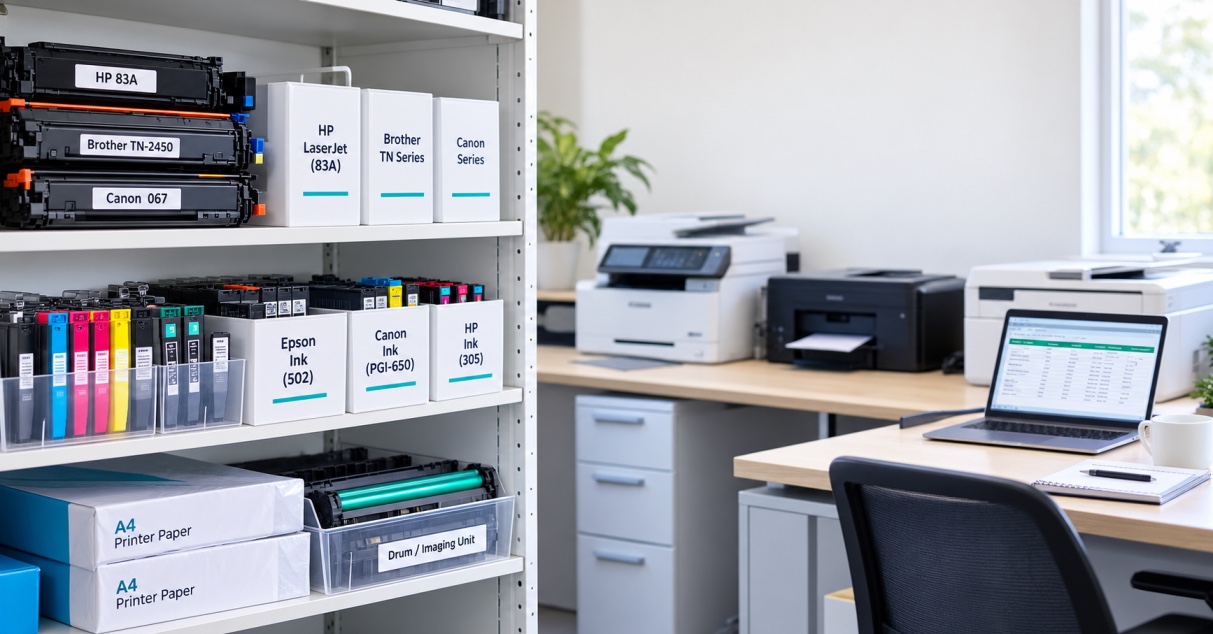
Spare cartridges should not simply be left anywhere in the office.
Extreme heat, direct sunlight and unsuitable storage conditions can affect cartridges before they are even installed. If you keep replacement cartridges for a home office, school, business or busy print room, follow the storage recommendations supplied with the cartridge.
Avoid leaving spare cartridges in hot cars, near windows or in other areas exposed to excessive heat.
4. Dust and paper fibres
Printers operate in environments where dust and tiny paper fibres are unavoidable.
Over time, these particles can accumulate around areas of the print mechanism. If the printer is located in a dusty office, workshop or storage area, keeping the surrounding workspace clean becomes particularly important.
Don't use excessive force or unsuitable cleaning products around the print head. If your printer requires manual cleaning, follow the manufacturer's instructions for your particular model.
5. Running with very low ink
When a cartridge is nearly empty, the printer may struggle to maintain consistent ink delivery.
Modern printers are designed to manage ink levels, but repeatedly continuing to print when cartridges are effectively depleted can contribute to poor output and may result in missing colours or faded sections.
If your printer is showing a low-ink warning and print quality is already deteriorating, replacing the affected cartridge is generally more sensible than repeatedly running cleaning cycles.
Check These Details When Diagnosing a Clog
Before assuming that your print head needs replacing, look at what happened immediately before the problem appeared.
Ask yourself:
- How long has the printer been unused? A long period of inactivity points towards dried ink.
- What type of cartridge are you using? Consider whether it is genuine, a reputable compatible or an unknown low-cost cartridge.
- Are there visible signs of dried ink? Look for dried residue around accessible areas, but don't touch sensitive components unnecessarily.
- What does the nozzle-check pattern show? Missing sections or colours can indicate restricted ink flow.
- Have you recently seen an error message? Cartridge recognition problems are different from physical nozzle blockages.
- Where is the printer located? Heat, dust and dry air can all be relevant environmental factors.
These checks can help distinguish a genuine nozzle problem from a cartridge, software or printer-maintenance issue.
How Ink Flow and Print-Head Design Affect Clogging
The print head is responsible for delivering extremely small amounts of ink onto the page. How it does this depends on the printer's technology.
Two common inkjet technologies are thermal inkjet and piezoelectric inkjet.
Thermal inkjet systems use controlled heating to create tiny bubbles that push ink through the nozzle. Piezoelectric systems use electrically controlled piezo elements to move the ink without heating it in the same way.
The technology isn't the only factor determining whether a particular printer will experience clogs. Printer design, ink formulation, usage patterns, maintenance and environmental conditions can all influence reliability.
Different brands, including HP, Canon and Epson, use different print-head designs across their product ranges. That means you shouldn't assume that a cleaning method that works for one printer will necessarily be appropriate for another.
Why consistent ink flow matters
Good print quality depends on delivering ink consistently through the print head.
If ink flow becomes restricted, the printer may still complete the print job, but you'll see the problem on the page:
- Horizontal lines through text or images
- Faded sections
- Missing colours
- Uneven colour density
- Broken characters
- White gaps in solid areas
A quality replacement cartridge can therefore be an important part of maintaining reliable printing. If you're replacing cartridges, choose one that is specifically compatible with your printer model rather than assuming cartridges from the same brand are interchangeable.
For more detail on how printer heads work and how to troubleshoot print-quality problems, link to your [print-head guide].
If you're comparing replacement options, you can also explore the available [ink cartridge categories] to find cartridges suited to your printer and printing requirements.
What Should You Do When a Printer Nozzle Is Clogged?
Don't immediately assume the printer needs a new print head.
Start with the printer's built-in nozzle check or print-quality diagnostic. If the pattern shows missing lines or colours, use the manufacturer's recommended cleaning cycle.
One cleaning cycle may be enough for a minor blockage. Repeated deep-cleaning cycles, however, can consume a significant amount of ink, so it's worth following the printer manufacturer's guidance rather than repeatedly running the process without checking the result.
If the problem remains after normal maintenance, check the cartridge itself. A faulty, empty or poorly performing cartridge can produce symptoms that look similar to a clogged print head.
For business users, it's particularly important to avoid repeatedly troubleshooting the same problem without identifying the cause. If an office printer is regularly producing poor-quality pages, the combined cost of wasted paper, wasted ink and staff time can quickly outweigh the cost of addressing the underlying issue.
How to Prevent Clogged Printer Nozzles
Prevention is usually easier than dealing with a serious blockage.
For most inkjet users, a few straightforward habits can make a difference:
- Use the printer regularly rather than leaving it unused for long periods.
- Choose reliable ink cartridges from a reputable supplier.
- Store replacement cartridges correctly and away from excessive heat and direct sunlight.
- Keep the printer area reasonably clean and dust-free.
- Replace cartridges when required rather than repeatedly printing with an effectively empty cartridge.
- Run the printer's recommended maintenance routines when print quality begins to change.
- Use the correct cartridge for your exact printer model.
For Australian businesses, schools, healthcare providers and offices that print regularly, reliable cartridge supply is particularly important. Having the correct ink cartridges available when required can reduce unnecessary downtime and prevent staff from trying to stretch an unsuitable or nearly empty cartridge.
The Bottom Line
Clogged printer nozzles are usually caused by restricted ink flow, most commonly because ink has dried around or inside the print head. Long periods without printing, unsuitable storage, poor-quality cartridges, dust and environmental conditions can all contribute.
The first step is to identify whether you're dealing with a genuine printer nozzle clog, a cartridge problem or another print-quality issue. A nozzle check and the printer's recommended cleaning process are good places to start.
For everyday printing, using reliable ink cartridges and keeping the printer in a clean, suitable environment can help maintain consistent ink flow and reduce avoidable problems.
If you need replacement ink cartridges for home or business printing, The Toner Group can help you choose an option suited to your printer and printing requirements rather than simply choosing the cheapest cartridge available.