If you use an inkjet printer at home or in a small office, you may have wondered how often you actually need to replace the ink.
There is no fixed answer. Some cartridges can last for months, while others may run out much sooner. It depends on how often you print, what you print, the cartridge capacity and even the settings you use.
The good news is that you usually don't need to replace a cartridge simply because it has been in the printer for a certain amount of time.
Instead, look for a combination of low ink warnings, changes in print quality and how much you use the printer.
How Long Does Printer Ink Usually Last?
The life of an ink cartridge varies from one printer and cartridge to another.
A cartridge designed for occasional home printing may last quite a while if you're only producing a few pages each week. On the other hand, regular colour printing, graphics and documents with large areas of colour can use ink much faster.
Cartridge yield can give you a rough idea of how many pages a cartridge is designed to print.
For example, if a cartridge has a stated yield of 200 pages, that doesn't necessarily mean you'll get exactly 200 pages. Your actual results depend on the type and amount of content being printed.
So, rather than replacing cartridges according to a calendar, it's more useful to pay attention to how your printer is performing.
When Should You Replace Printer Ink?
There are a few common signs that it's time for a new cartridge.
1. The printer shows a low-ink warning
Most modern printers will display a message when ink levels are getting low.
This is useful as an early warning, but it doesn't always mean the cartridge is completely empty.
You may still be able to print several more pages, depending on the printer and cartridge.
If you're printing something important, however, it's sensible to have a replacement ready rather than waiting until the cartridge stops producing usable pages.
2. Print quality starts to change
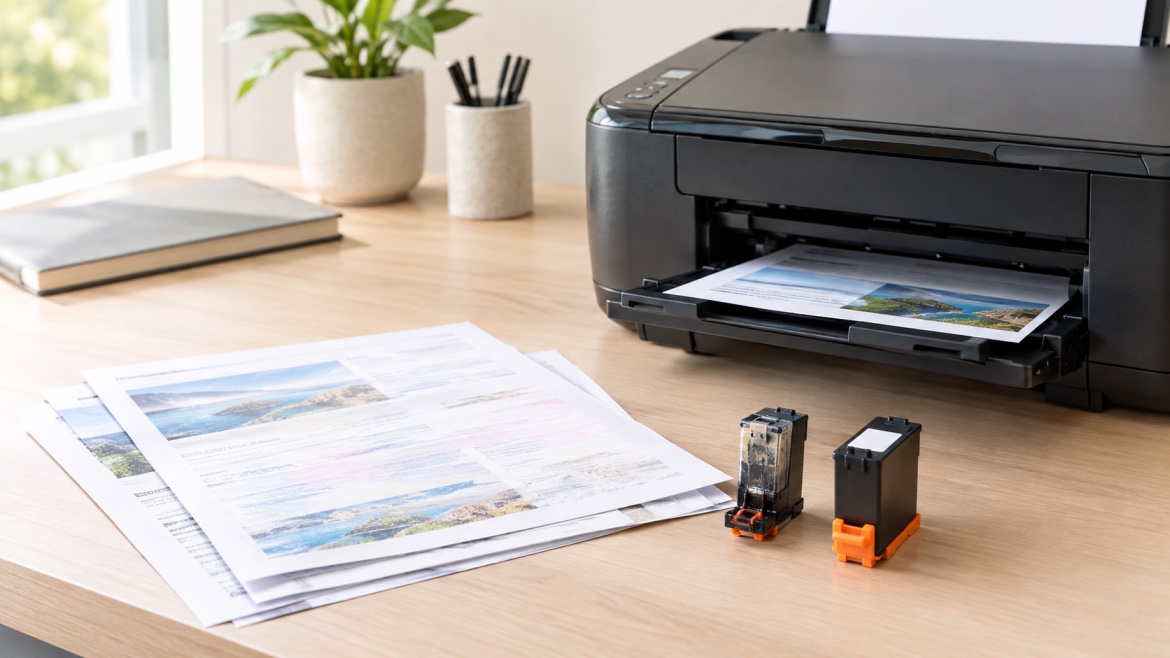
Poor print quality is often a more obvious sign that something needs attention.
You might notice:
- Faded text
- Missing sections of an image
- Uneven colour
- White lines across printed pages
- Colours that look different from normal
- One colour disappearing completely
If these problems continue after the appropriate printer maintenance cycle, the cartridge may be running low or may need replacing.
3. One colour has run out
Colour printers usually use separate cartridges for different colours.
This means you don't necessarily need to replace every cartridge at the same time.
If the cyan cartridge is empty but the black, magenta and yellow cartridges still have plenty of ink, replacing only the affected cartridge may be enough.
The exact behaviour varies between printer models, so it's worth referring to the printer's instructions.
What Does a Low-Ink Warning Actually Mean?
A low-ink notification is an estimate rather than a precise measurement of how much ink remains.
Depending on the printer, the level may be calculated using cartridge information, usage data or an internal monitoring system.
This is why you shouldn't automatically assume that a low-ink message means the cartridge is empty.
For light home printing, you may have enough ink left for several documents.
For heavier printing, though, the warning is a useful reminder to keep a replacement cartridge nearby.
Should You Replace the Cartridge as Soon as the Warning Appears?
Not necessarily.
If your documents are still printing clearly and you don't have an important print job coming up, there may be no need to change the cartridge immediately.
However, continuing to use a cartridge until every last page is unusable isn't always practical either.
A better approach is to consider:
- Whether print quality has changed
- How much you're printing
- Whether the printer is showing a low-ink message
- Whether you have a replacement available
- Whether you have an important job coming up
This avoids replacing cartridges unnecessarily while also reducing the chance of being caught without ink.
How Print Quality Tells You It's Time
Print quality can tell you a lot about what's happening inside the printer.
For example, faded text may indicate that black ink is running low. Missing colours could point to an individual colour cartridge. Lines or gaps may also be related to blocked print-head nozzles rather than an empty cartridge.
That's an important distinction.
Poor printing doesn't always mean you need new ink.
If a cartridge still contains ink but the nozzles are blocked, replacing the cartridge may not solve the problem.
Running the printer's recommended cleaning or maintenance cycle may help in some cases.
If the issue continues, there could be another cause that needs attention.
Does How Often You Print Affect Ink Life?
Yes.
Someone who prints a few pages every month will generally use cartridges differently from someone printing dozens of pages every day.
But there's another factor to consider: long periods of inactivity.
Inkjet printers can sometimes develop nozzle or print-head problems when they sit unused for extended periods. The risk can vary depending on the printer, ink system and storage conditions.
If you only print occasionally, producing a small number of pages from time to time may help keep the printer in regular use.
You don't need to print unnecessarily just to use ink, but completely forgetting about the printer for months may not be ideal.
What Type of Documents Are You Printing?
Not every page uses the same amount of ink.
A simple black-and-white text document may use very little compared with a page containing photographs, large graphics or coloured backgrounds.
For example:
Simple text document:
Usually uses relatively little ink.
Colour presentation:
Can use considerably more, particularly with large graphics.
Photo printing:
May consume significantly more ink than ordinary documents.
This is one reason two people can use the same cartridge and get very different results.
Does Print Quality Setting Affect Ink Usage?
It can.
Many printers allow you to choose settings such as draft, standard or high quality.
Higher-quality modes may use more ink because the printer puts more ink onto the page or uses additional passes during printing.
For everyday documents, a standard or draft setting may be perfectly adequate.
For important reports, presentations or images, you may prefer a higher-quality setting.
Choosing the right setting for the job can help you avoid using more ink than necessary.
Can You Keep Using a Cartridge After the Low-Ink Warning?
Sometimes, yes.
If the printer continues to produce clear, usable pages, you may be able to keep printing for a while.
However, don't rely on this when you have an important document to produce.
A low-ink warning is a useful opportunity to order or purchase a replacement before the existing cartridge becomes unusable.
This is particularly helpful for home offices, schools and small businesses where suddenly running out of ink can interrupt the day's work.
What If the Cartridge Still Has Ink but Print Quality Is Poor?
This is where things can become confusing.
You may look at the cartridge level and see that there is still ink available, yet the page doesn't look right.
Possible causes include:
- Blocked print-head nozzles
- Dried ink
- Incorrect printer settings
- A cartridge that isn't seated correctly
- Paper or media settings that don't match the job
- A cartridge that is genuinely running low
Try the printer's recommended maintenance steps first.
If the problem remains, replacing the cartridge may help, but it isn't always the answer.
For more serious or persistent print-quality problems, the printer itself may need attention.
How Does Cartridge Yield Help You Know When to Replace Ink?
Cartridge yield is useful when estimating how long a cartridge may last.
The yield tells you approximately how many pages the cartridge is expected to produce under specified testing conditions.
For example, a cartridge rated for 500 pages may last longer for someone printing simple text documents and considerably less for someone producing pages with heavy colour coverage.
Use the stated yield as a guide rather than a guarantee.
It can also be useful when comparing different cartridge options, particularly if you're trying to understand the longer-term cost of printing.
Should You Replace All Colour Cartridges at Once?
No.
Most colour inkjet printers use separate cartridges, so each colour can run down at a different rate.
You might use more black than colour for everyday documents. Alternatively, a particular colour may disappear faster if you regularly print images or graphics containing that colour.
Replacing only the cartridge that needs attention can make more sense than changing the entire set.
Your printer model will determine exactly how the cartridges work and whether printing can continue when one colour is empty.
Does Printer Ink Expire?
Ink cartridges can have storage or expiry considerations, depending on the manufacturer and cartridge type.
If a cartridge has been sitting in a cupboard for a long time, don't assume it will perform exactly like a newly purchased cartridge.
Storage conditions also matter. Excessive heat, direct sunlight and unsuitable environments may affect cartridges over time.
For Australian homes and offices, keeping spare cartridges somewhere cool, dry and away from direct sunlight is a sensible approach.
How Can You Make Printer Ink Last Longer?
A few simple habits can help you get more from each cartridge.
Use the appropriate print setting
Don't automatically use the highest quality setting for every document.
Avoid unnecessary colour printing
If a document doesn't need colour, black-and-white printing can reduce colour ink usage.
Print only what you need
Before pressing print, make sure the document doesn't contain unnecessary pages, large images or backgrounds.
Keep the printer maintained
Following the manufacturer's maintenance recommendations can help keep the print system working properly.
Store spare cartridges correctly
Keep unused cartridges sealed and stored according to the manufacturer's recommendations.
These small habits can make a noticeable difference over time.
How Do You Know Whether It's the Ink or the Printer?
This is one of the most useful questions to ask when print quality suddenly changes.
If the cartridge is low and the problem affects the colour associated with that cartridge, replacing it may solve the issue.
But if the cartridge still has ink and you're seeing lines, gaps or inconsistent printing, the cause could be related to the print head, nozzles or printer settings.
That's why replacing a cartridge should not always be the first step.
Look at the symptoms first.
How Often Should You Replace Printer Ink?
There isn't a set number of weeks or months that applies to every printer.
You should generally consider replacing a cartridge when:
- The ink is genuinely running low
- Print quality remains poor after basic maintenance
- A particular colour has stopped printing properly
- The printer indicates that the cartridge needs replacing
- You need a reliable replacement for an upcoming print job
For occasional users, a cartridge may last for many months.
For households, students or small businesses that print regularly, replacements may be needed much more often.
The key is to base the decision on actual usage and print quality, rather than simply how long the cartridge has been installed.
Common Mistakes When Replacing Printer Ink
A few simple mistakes can lead to wasted money or unnecessary frustration.
Replacing every cartridge at once
If only one colour is empty, you may not need a complete set.
Assuming low ink means empty
A warning usually indicates that ink is getting low, not necessarily that the cartridge has nothing left.
Replacing ink to fix every print-quality problem
Lines, gaps and faded areas can sometimes be caused by maintenance issues rather than an empty cartridge.
Ignoring the cartridge number
Buying based only on the printer brand can lead to ordering the wrong cartridge.
Always make sure the replacement is designed for your specific printer.
Leaving spare cartridges in unsuitable conditions
Heat and direct sunlight aren't ideal for storing unused cartridges.
A Simple Way to Decide When to Replace Printer Ink
If you're unsure whether it's time for a new cartridge, work through these questions:
Is the printer showing a low-ink warning?
If yes, keep an eye on the remaining print quality and consider having a replacement ready.
Are pages still printing clearly?
If they are, you may not need to change the cartridge immediately.
Has the print quality changed?
Look at whether the problem affects one colour or the whole page.
Have you tried the printer's recommended maintenance?
If not, this may be worth doing before buying a new cartridge.
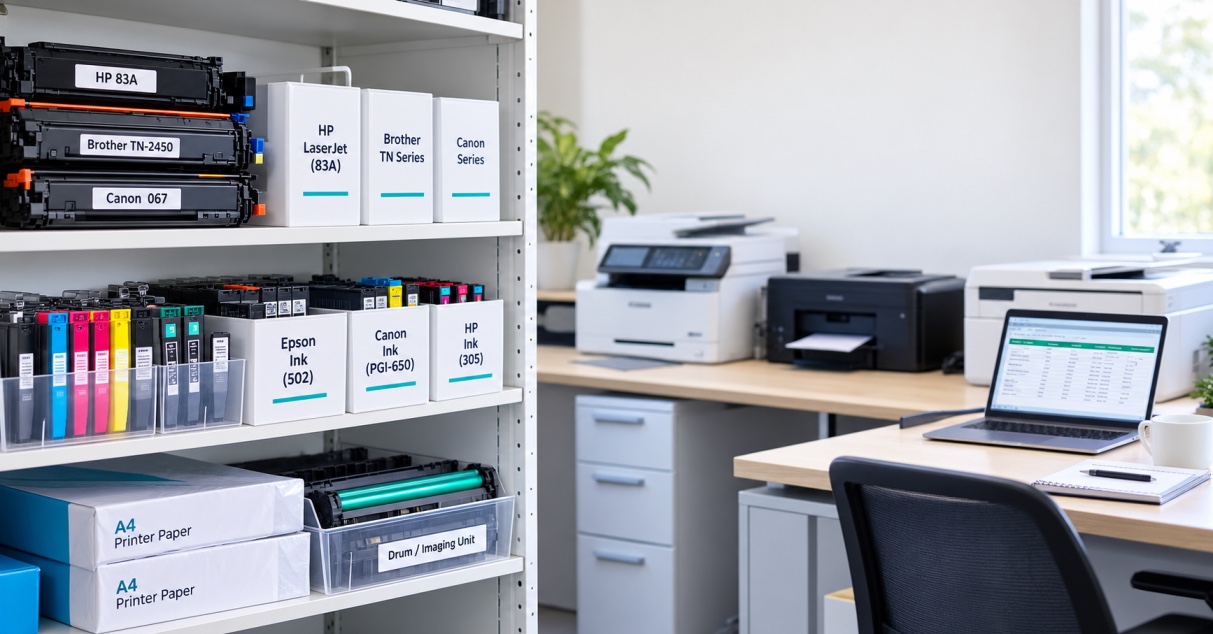
Do you know the correct cartridge number?
Confirm the cartridge reference before ordering a replacement.
This simple process can help you avoid changing cartridges too early or troubleshooting the wrong problem.
The Bottom Line
So, when to replace printer ink depends on more than the age of the cartridge.
A low-ink warning, fading text, missing colours and declining print quality can all indicate that a replacement is approaching. But poor printing can also come from blocked nozzles, printer settings or other maintenance issues.
For occasional home users, one cartridge may last for months. For people who print frequently or produce colour-heavy documents, it may need replacing much sooner.
Rather than following a fixed replacement schedule, pay attention to how much you're printing, the cartridge yield and the quality of your pages.
And before buying a new cartridge, make sure you have the correct cartridge number for your printer. Getting the right cartridge from the start can save time, money and a lot of unnecessary frustration.