If you don't print every day, it is easy to forget about spare ink cartridges sitting in a drawer or cupboard. But how to store ink cartridges matters more than many people realise. Heat, direct sunlight, moisture, air exposure and long storage can affect how well a cartridge performs.
The good news is that proper ink storage is straightforward. Keep unused cartridges sealed in their original packaging, store them somewhere cool and dry, protect them from sunlight and follow the storage instructions for your particular cartridge.
This guide explains how to store both unopened and opened cartridges, how long they can last, and what to check before using an older cartridge.
Why Proper Ink Storage Matters
Proper cartridge storage helps protect the ink and cartridge components until you're ready to use them.
Ink cartridges contain liquid ink and precision components that need to remain in suitable conditions. Once packaging is opened, exposure to air can also become a concern, particularly around the cartridge's nozzles or print head.
Printer manufacturers give different storage requirements for different cartridges. For example, HP advises keeping genuine ink cartridges sealed in their original packaging until installation and recommends storing them within specified temperature limits.
Poor storage can contribute to problems such as:
- Blocked or dried nozzles
- Streaky or faded printing
- Poor colour output
- Ink leakage
- Cartridge recognition or performance problems
That doesn't mean an old cartridge will automatically fail. It simply means storage conditions can affect its condition and reliability.
The Ideal Conditions for Storing Ink Cartridges
The safest approach is to keep ink cartridges sealed, protected from sunlight and stored in a stable indoor environment.
For most households and offices, a cupboard or drawer inside the building is a much better choice than a car, shed, garage or windowsill.
Best storage conditions at a glance
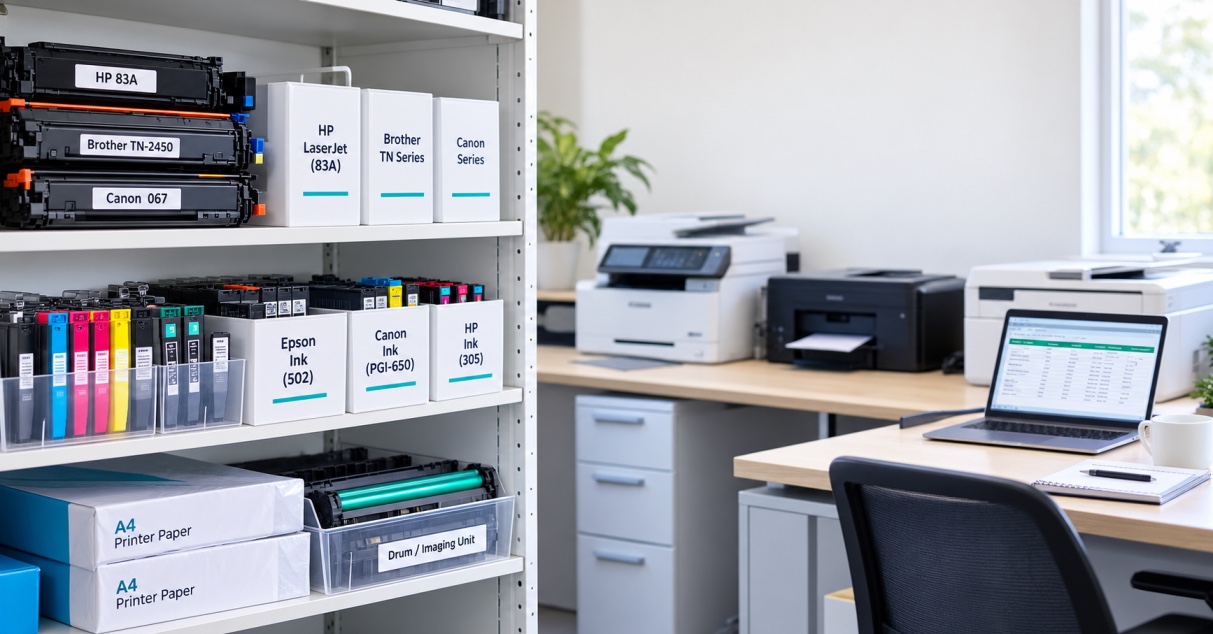
- Keep cartridges in their original packaging until needed.
- Avoid direct sunlight and strong artificial light.
- Keep them away from heaters and other heat sources.
- Avoid damp or very humid areas.
- Avoid extreme temperature changes.
- Follow the storage temperature specified by the cartridge manufacturer.
- Keep cartridges in the orientation recommended for that particular model.
There isn't one universal temperature range that applies to every ink cartridge. HP specifications, for example, vary between cartridge models, while Epson documentation also provides model-specific storage and usage guidance.
For that reason, don't rely on a generic storage rule if the cartridge packaging or manufacturer's manual gives different instructions.
What about Australian heat?
This is particularly relevant in Australia.
A cartridge left in a car, shed or poorly insulated space can experience temperatures well outside the controlled conditions of a typical office or home. Even if the cartridge appears fine externally, extreme heat isn't a sensible storage environment.
A cool indoor cupboard is usually the safer choice.
Storing Unopened vs Opened Ink Cartridges
Unopened cartridges are easier to store because their original packaging protects them until installation.
If you have purchased spare cartridges, leave them sealed until you actually need them. Don't open the foil or protective packaging simply to check the cartridge.
Once opened, the situation changes.
Manufacturers such as HP and Epson provide specific guidance for cartridges that have been removed or opened. HP advises replacing a removed cartridge as soon as possible because an unprotected cartridge can begin to dry out.
If you genuinely need to remove an opened cartridge, check your printer manufacturer's instructions rather than improvising with tape, plastic wrap or another household method.
Epson, for example, advises keeping cartridges in their packaging until installation and storing them with the correct orientation. Some Epson documentation recommends using an opened cartridge within six months for best printing results.
The important point is that opened and unopened cartridges shouldn't be treated as having the same storage life.
How Long Does Stored Ink Actually Last?
There is no single shelf-life figure that applies to every ink cartridge. Check the date and storage instructions printed on the packaging or provided by the manufacturer.
It is tempting to say that every unopened ink cartridge will last exactly one or two years, but that isn't reliable advice.
Different manufacturers and cartridge models have different specifications.
For example, Epson documentation says unopened cartridges should not be used after the date on the package has expired, while some Epson models specify using opened cartridges within six months for best results.
So if you're buying cartridges in bulk, use the oldest compatible stock first and avoid purchasing substantially more than your household or business is likely to use within the manufacturer's recommended period.
This is particularly useful for businesses with multiple printers. A discount on ten cartridges isn't much of a saving if several remain unused until they are past their recommended date.
Signs Your Ink Cartridge May Have Been Stored Poorly
Poor print quality is one of the first signs that an older or poorly stored cartridge may need attention.
Look for:
- Faded text or images
- Missing lines
- Streaks
- Incorrect or uneven colours
- Visible ink around the cartridge
- A cartridge that isn't recognised correctly
- Nozzles that appear blocked
Don't immediately throw the cartridge away.
If the cartridge is correctly installed and the printer is otherwise functioning normally, run the printer's recommended nozzle check or print-head cleaning cycle first. Avoid repeatedly running deep cleaning cycles because they consume ink.
If the problem continues, check the cartridge manufacturer's troubleshooting instructions or consider whether the issue could be with the print head or printer itself.
Should You Store Ink Cartridges in the Fridge?
Generally, don't refrigerate ink cartridges unless the manufacturer specifically tells you to.
A household refrigerator isn't a universal solution for extending cartridge life. Temperature changes and condensation can also create problems when a cold cartridge is brought into a warmer environment.
Epson, for example, provides specific instructions for cartridges exposed to cold conditions, including allowing them to return to room temperature before use in applicable models.
For normal home and office storage, a suitable indoor environment is the simpler option.
Should You Remove Cartridges If the Printer Won't Be Used?
Usually, don't remove cartridges from an inkjet printer simply because you won't print for a short period.
The printer is designed to keep the cartridge and print-head system in a particular position when it is switched off correctly.
HP specifically advises turning the printer off using its power button rather than simply cutting the power. This allows the cartridges to move into a capped position that helps protect them from drying out.
If you're storing the printer for an extended period, follow the manufacturer's instructions for that specific model.
Can Dried-Out Ink Cartridges Be Revived?
Sometimes print-quality problems can be improved, but a severely dried or expired cartridge should not be assumed to be recoverable.
Start with the printer's built-in maintenance process. Check the nozzles, run the manufacturer's recommended cleaning procedure and print a test page.
Avoid aggressive DIY methods such as soaking cartridges, poking nozzles or forcing cleaning solutions through the cartridge. These can damage delicate components or create leaks.
If a cartridge remains unusable after the manufacturer's recommended troubleshooting steps, replacement may be the more practical option.
A Simple Ink Storage Checklist
Before putting spare cartridges away, check:
1. Is the cartridge still sealed?
Leave it sealed until you're ready to install it.
2. Is it in a suitable location?
Choose a cool, dry indoor cupboard or drawer.
3. Is it protected from sunlight?
Keep it away from windows and strong light.
4. Is the packaging intact?
Don't remove protective seals or packaging unnecessarily.
5. Do you know the date?
Check the cartridge or packaging for the manufacturer's date information.
6. Are you rotating your stock?
Use older cartridges before newer ones where appropriate.
7. Does the printer manufacturer give specific instructions?
Follow those instructions if they differ from general storage advice.
Final Takeaway
Knowing how to store ink cartridges properly can help avoid unnecessary waste and printing problems.
For most home and office users, the basic approach is simple: keep cartridges sealed in their original packaging, store them indoors away from sunlight and heat, avoid damp conditions, and follow the manufacturer's instructions for the specific cartridge.
Don't assume every cartridge has the same shelf life or storage requirements. HP, Epson and other manufacturers publish model-specific guidance, so checking the packaging or support documentation is worthwhile.
If you're replacing an old cartridge, it's also worth confirming that you have the correct ink cartridge for your printer before opening the package. You can browse The Toner Group's ink cartridge range when you're ready to replace your printer ink.