Running out of printer supplies is rarely convenient.
It might happen just before an important meeting, when someone needs to print invoices, or when a team member is trying to get a document out the door. The printer itself may be working perfectly, but without the right cartridge or paper, there is not much it can do.
That is why it helps to keep a small amount of essential office printer supplies on hand.
You do not need a storeroom full of cartridges. A simple office printer consumables checklist can help you work out what you actually use, how much to keep and when it is time to reorder.
What Are Printer Consumables?
Printer consumables are the supplies that get used during normal printing and eventually need to be replaced.
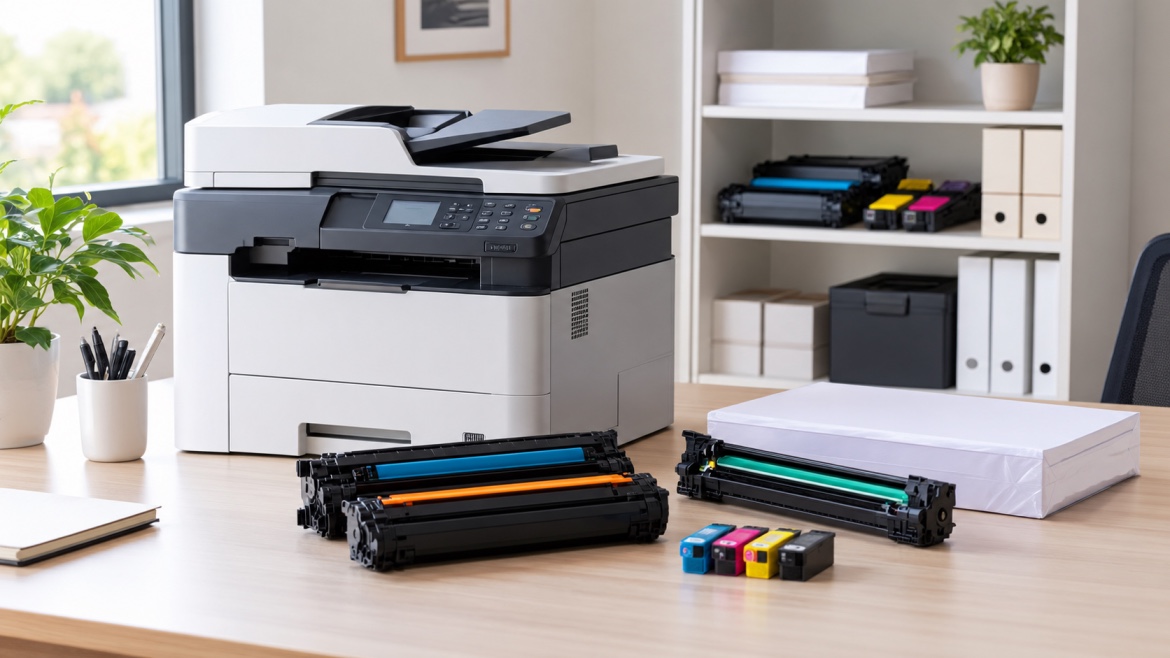
Depending on the equipment in your office, these may include:
- Toner cartridges
- Ink cartridges
- Printer paper
- Drum or imaging units
- Waste toner containers
- Maintenance kits or other printer-specific parts
Not every printer uses all of these. An inkjet printer, for example, will need ink rather than toner, while some laser printers have separate drum units.
The best stock list is therefore based on the printers you actually have.
What Should an Office Keep in Stock?
For most offices, the essentials are fairly straightforward.
1. Toner Cartridges
If your office uses laser printers, toner is one of the main supplies worth keeping as a spare.
A printer that is used every day can go through toner surprisingly quickly, particularly in a busy office.
Keeping one spare cartridge available can give you some breathing room when the current one starts running low.
When recording your toner stock, make a note of the exact cartridge number. Do not rely on the printer brand alone, as different models can use completely different cartridges.
2. Ink Cartridges
Offices using inkjet printers should keep the ink cartridges needed for their particular models.
Depending on the printer, that could mean:
- Black ink
- Cyan
- Magenta
- Yellow
- Combined colour cartridges
Some printers use individual cartridges for each colour, while others combine several colours into one cartridge.
It is also worth looking at your actual printing habits. If black documents make up most of your office printing, black ink may need replacing more often than the colour cartridges.
3. Printer Paper
Paper is easy to forget when discussing printer consumables, but it is just as important as the cartridge.
Most offices will mainly use standard copy paper, but some may also need:
- Different paper sizes
- Letterhead
- Heavier paper
- Coloured paper
- Special paper for particular documents
There is no need to keep large quantities of paper that are rarely used. Focus on the sizes and types your team reaches for regularly.
What About Printer Drums?
Some laser printers have a separate drum or imaging unit.
Unlike toner, a drum usually lasts much longer, so it does not need to be kept in the same quantities as regular cartridges.
However, it is worth knowing whether your printers use separate drums and what cartridge or part number they require.
If a particular printer is critical to your day-to-day work, having the correct replacement available can save time when the drum eventually needs changing.
Do Offices Need Spare Waste Toner Containers?
Some laser printers collect excess toner in a separate waste toner container.
When it becomes full, the printer may display a maintenance message or stop operating until the container is replaced.
Not every printer uses one, so there is no reason to stock them unless your equipment requires them.
If your office does use them, include the correct replacement in your stock records so it does not get overlooked.
What Are Maintenance Kits?
Larger office printers and multifunction machines may eventually need maintenance parts such as rollers, fusers or other components.
These are not everyday consumables, and most offices do not need to keep several sets in storage.
Instead, find out whether your printer has a recommended maintenance interval and keep a note of when those parts are likely to be needed.
For a high-use printer, knowing this in advance can make maintenance much easier to plan.
How Much Toner or Ink Should You Keep?
There is no magic number that works for every office.
A small business printing a few hundred pages each month will have very different requirements from an office producing thousands of pages a week.
A few things can help you decide.
Look at Your Normal Usage
Think about how quickly your team actually goes through cartridges.
If a cartridge normally lasts several months, one spare may be plenty.
If you are replacing cartridges every few weeks, keeping additional stock could make more sense.
Consider Delivery Times
How quickly can you get a replacement?
If your supplier can deliver the next day, there may be little reason to keep a large supply.
If a particular cartridge takes several days to arrive, having an extra one ready can prevent an unnecessary interruption.
Prioritise Important Printers
Not every printer in an office is equally important.
A printer used occasionally for internal documents probably does not need the same level of backup as one used for invoices, shipping labels or customer paperwork.
Start with the printers that would cause the most disruption if they suddenly became unavailable.
Do You Need a Spare Cartridge for Every Printer?
Not necessarily.
If an office has several printers, buying a spare cartridge for every device can quickly become expensive, particularly when some printers are rarely used.
A better approach is to identify the equipment that is used most often and keep appropriate backup stock for those machines.
For less frequently used printers, you may be able to order supplies when they are needed.
How Can You Avoid Ordering the Wrong Cartridge?
This is one of the simplest problems to prevent.
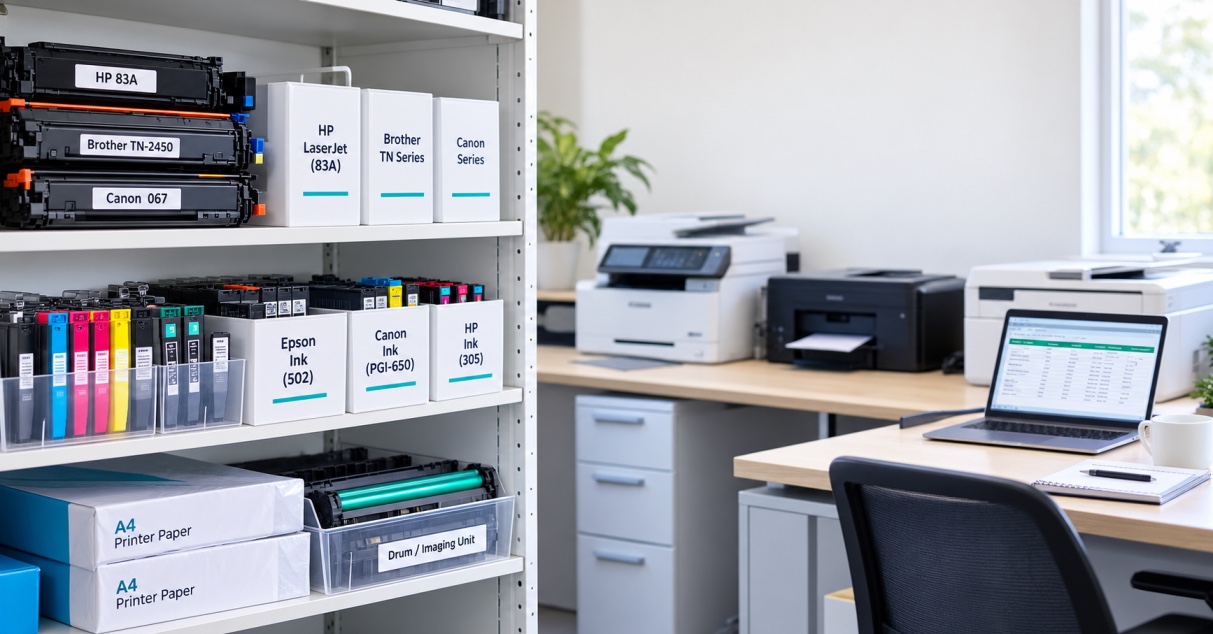
Create a basic record showing:
- Printer model
- Cartridge number
- Cartridge type
- Current quantity
- Reorder level
- Supplier
The exact cartridge number is particularly important.
A printer brand or model name on its own may not be enough to identify the correct supply. Recording the cartridge reference makes reordering much easier and reduces the chance of ordering something that does not fit.
Should You Use Genuine or Compatible Cartridges?
Depending on your printer, you may have the option of using genuine cartridges or compatible alternatives.
The important thing is to use a cartridge that is designed for the exact printer and cartridge reference.
If your office already uses compatible cartridges successfully, recording the correct compatible cartridge number alongside the printer details can make future orders much simpler.
There is also no need to change cartridge types unnecessarily. If something works reliably for your office, consistency can make stock management easier.
How Should Printer Cartridges Be Stored?
Good storage is simple but important.
Keep spare cartridges:
- In their original packaging until needed
- In a clean, dry location
- Away from excessive heat and direct sunlight
- Protected from dust and physical damage
- Stored according to the manufacturer's instructions
Avoid keeping cartridges loose in a cupboard where they can become damaged or forgotten.
It also helps to keep printer supplies together in one clearly organised area rather than having cartridges spread across different desks and cupboards.
When Should You Reorder Printer Supplies?
The easiest approach is to set a simple reorder point.
For example, your office might decide that when there is only one spare cartridge left, another should be ordered.
That level can be higher for a busy printer and lower for one that is rarely used.
You can also review your supplies once a month. This gives you a chance to see which cartridges are being used quickly and which ones are sitting untouched.
Over time, your stock levels can be adjusted to match actual usage.
Common Mistakes With Office Printer Supplies
Keeping too much stock
Buying large quantities can take up storage space and tie up money in supplies that may not be needed for months.
Keeping no backup
Waiting until a cartridge is completely empty before ordering a replacement can bring printing to a standstill.
Ordering by brand alone
The printer manufacturer is not enough. Always confirm the exact cartridge reference.
Forgetting printer-specific parts
Drums, waste toner containers and maintenance components may not be replaced often, but they can still cause problems when they are suddenly needed.
Not recording usage
If you do not know how quickly supplies are being used, it is difficult to set sensible stock levels.
Storing cartridges poorly
Heat, moisture and physical damage can affect stored supplies, so a suitable storage area is worth having.
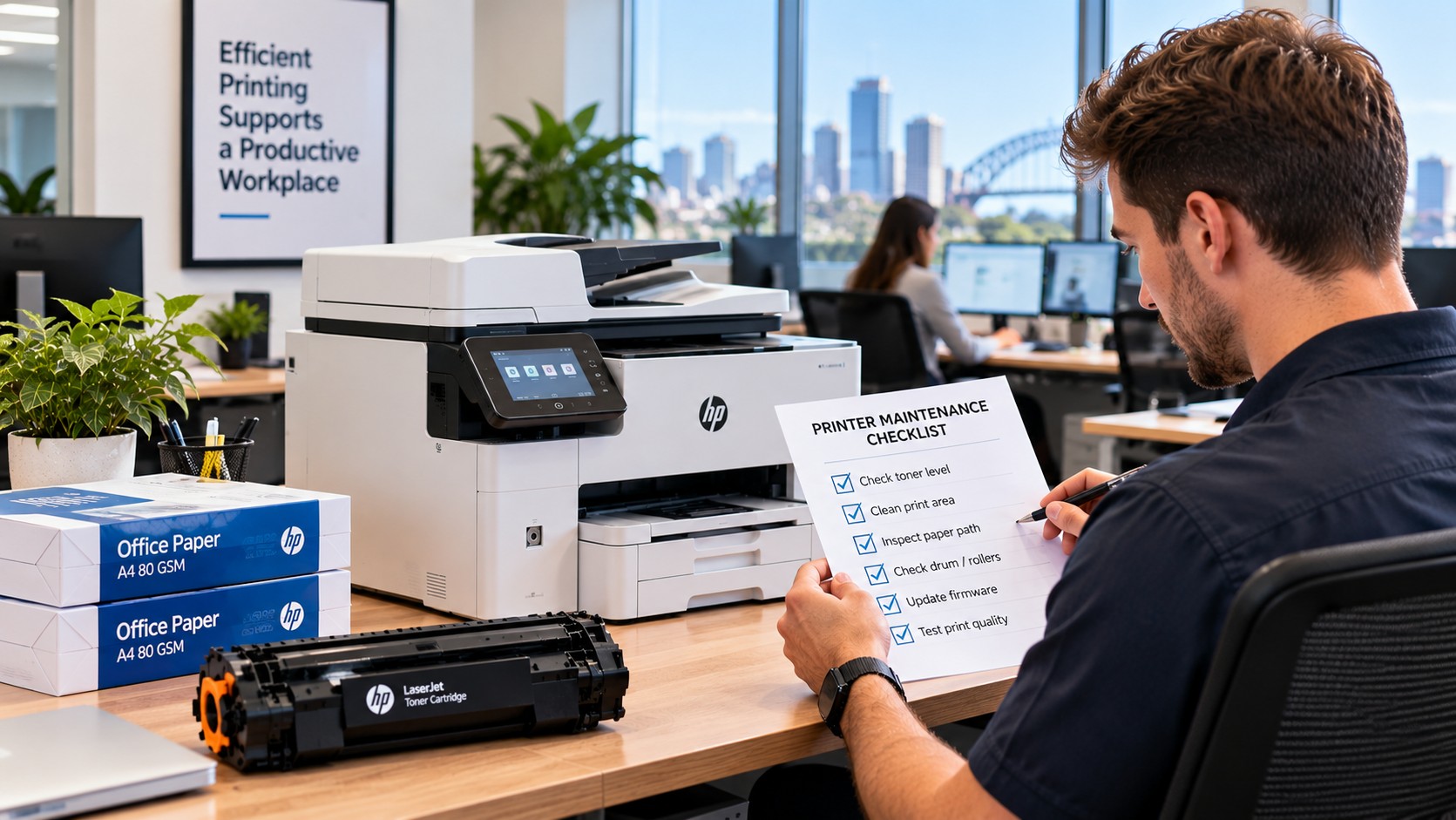
A Simple Office Printer Consumables Checklist
Here is a practical starting point for most workplaces:
Regular supplies
- ☐ Toner cartridges
- ☐ Ink cartridges
- ☐ Standard printer paper
Printer-specific supplies
- ☐ Drum or imaging units
- ☐ Waste toner containers
- ☐ Maintenance kits
Stock information
- ☐ Printer model recorded
- ☐ Exact cartridge number recorded
- ☐ Current quantity recorded
- ☐ Reorder level established
- ☐ Supplier details available
- ☐ High-use printers identified
- ☐ Supplies stored in one organised area
You will not need every item on this list. The idea is to identify what your particular printers use and keep enough of the important supplies available.
How Can an Office Manage Printer Consumables More Easily?
You do not need complicated inventory software to keep printer supplies under control.
A simple spreadsheet can be enough.
Record the printer, cartridge number, current quantity and reorder point. Then update it when new stock arrives or a cartridge is used.
This also gives you a clearer picture of your actual printing habits. If one cartridge is being replaced much more often than expected, it may be worth looking at what that printer is being used for and whether the print settings are appropriate.
The Bottom Line
Keeping printer supplies in stock is really about finding the right balance.
You do not want cupboards full of cartridges that are rarely used, but you also do not want an important printer to stop working because nobody has a spare cartridge available.
For most offices, a sensible office printer consumables checklist will include the toner or ink used regularly, paper and any printer-specific items such as drums or waste toner containers.
Keep track of the exact cartridge numbers, understand how quickly your team uses them and set a simple reorder point.
A little planning can save a lot of frustration when someone needs to print something urgently.