
Showing results for:
Category: Printer Maintenance
Clear Filter
-
| September 30, 2026If you have a laser printer, you may eventually see a message about the drum needing attention. You might also notice spots, lines or uneven printing and wonder whether the toner cartridge is the problem.Often, the answer is not the toner.The drum is another important part of a laser printer's imaging system, and like other printer consumables, it has a limited working life. Knowing what the drum does, how long it usually lasts and what signs to look for can help you avoid replacing the wrong part.What Is a Printer Drum?The printer drum is the component that helps transfer the toner image onto the paper.Inside a laser printer, the drum receives an electrostatic image. Toner is attracted to the appropriate areas of the drum and is then transferred onto the paper before the image is permanently fixed.It all happens quickly, so you never see most of the process during normal printing. But the drum plays a major role in producing the text and images on every page.Depending on the printer, the drum may be:Built into the toner cartridgeA separate drum unitDesigned to work with a specific toner cartridgeThis difference matters when it is time to replace a consumable.What Does Printer Drum Life Mean?Printer drum life is the estimated number of pages a drum can produce before it reaches the end of its expected service life.Manufacturers usually provide a page-life rating for their drum units. For example, a drum might be rated for several thousand pages or considerably more, depending on the printer.But that number is an estimate, not a countdown that guarantees the drum will fail on a particular page.Your actual results can vary depending on how you use the printer, the type of documents you print and the conditions around the machine.How Long Does a Laser Printer Drum Last?There is no standard lifespan for every laser printer drum.Some drums are designed for relatively low page volumes, while others are made for busy office printers and can handle much higher workloads.Things that can affect drum life include:How many pages you printThe type of documents you produceHow much of each page is covered with tonerThe printer model and drum designPaper qualityThe printer's environmentGeneral printer careThe best starting point is the drum-life specification for your particular printer. It gives you a more useful guide than a general number that applies to every laser printer.Is the Drum the Same as the Toner Cartridge?No. Although they work together, the toner cartridge and drum have different jobs.The toner cartridge supplies the toner used to create the printed image.The drum unit helps transfer that toner image onto the paper.Some laser printers combine both parts into one cartridge. Others use separate toner cartridges and drum units.This is important because a printer can have plenty of toner left while the drum is approaching the end of its life.What Are the Signs of a Worn Drum?A printer does not always stop working the moment a drum reaches the end of its rated life. In many cases, print quality starts to change first.Here are some signs worth paying attention to.Repeated Spots or MarksIf the same spot or mark appears repeatedly down a page, the drum could be worn or damaged.A repeating pattern is particularly useful to notice because it can point towards an issue with the imaging components rather than simply low toner.Lines or StreaksUnwanted lines or streaks can have several causes, including toner or other printer components. If the problem continues after addressing the cartridge, the drum may need attention.Uneven Print QualityPages may start looking less consistent, with some areas darker or lighter than others.Grey BackgroundsA worn or damaged drum can sometimes contribute to unwanted grey areas across printed pages.A Drum Replacement MessageMany printers monitor drum usage and display a message when the expected drum life has been reached.The message does not necessarily mean the drum has suddenly stopped working. It usually means the printer has reached the manufacturer's estimated service interval.Does a Drum Warning Mean It Needs to Be Replaced Immediately?Not necessarily.A drum-life warning is generally based on the printer's usage count or estimated service life. It does not always measure the physical condition of the drum at that exact moment.If your pages still look good, the printer may continue to produce acceptable results after the warning appears.However, once the expected drum life has been reached, it is sensible to plan for a replacement, particularly if the printer is important to your home or business.If the warning appears alongside obvious print-quality problems, the case for replacing the drum becomes stronger.Can a New Toner Fix a Drum Problem?Sometimes a print-quality issue is caused by the toner, but not always.If you install a new, correct toner cartridge and the same problem remains, it is worth looking beyond the cartridge.For example, repeated spots, lines or other consistent defects may indicate that another part of the imaging system needs attention.This is why replacing toner simply because the pages look poor can sometimes lead to unnecessary spending.Can You Replace the Drum Without Replacing the Toner?Yes, if your printer uses a separate drum unit.The toner and drum have different service lives, so they do not necessarily need to be replaced at the same time.For example, you may install a new toner cartridge and continue using it while the existing drum reaches the end of its service life.On printers where the drum is built into the toner cartridge, however, the replacement process is different.Always follow the consumable system designed for your particular printer.Can You Extend Printer Drum Life?A drum is a wear component, so it will eventually need replacing. However, good printer care can help avoid unnecessary problems.A few simple habits can help:Use suitable paper for your printer.Keep the printer in a clean, dry area.Keep dust and loose paper debris away from the machine.Handle drum units carefully.Avoid touching the drum surface.Use the correct toner and drum for the printer.Follow the manufacturer's maintenance instructions.You do not need to perform complicated maintenance routines to look after a drum. Basic care and using the correct consumables go a long way.Does Heavy Printing Wear Out a Drum Faster?Higher print volumes generally mean a drum reaches its rated page count sooner.However, page count is not the only factor.The type of documents you print, the amount of toner used and the printer's design can all affect real-world performance.For this reason, the manufacturer's drum-life figure is best treated as an estimate rather than a promise that every drum will perform exactly the same way.What Happens If You Keep Using an Old Drum?A drum that has reached the end of its expected life may still produce pages, but print quality can become less reliable.You might begin to see:Repeating marksLines or streaksUneven areasGrey backgroundsFaded sectionsRecurring image defectsIf these problems become noticeable, continuing to print may not give you the results you need, particularly for invoices, reports or other documents where consistent print quality matters.Should You Replace a Drum Based Only on Print Quality?Not always.Poor print quality can come from several different sources, so it is worth considering the bigger picture before buying a new drum unit.Look at:The printer's current messageThe age and usage of the drumThe condition of the toner cartridgeWhether the problem repeats in the same placePaper quality and conditionRecent changes in print qualityWhether the correct consumables are installedThis can help narrow down the likely cause instead of replacing parts one at a time.What About Compatible Drum Units?Depending on the printer model, compatible drum units may be available as an alternative to a manufacturer's original unit.If you choose a compatible option, make sure it is specifically designed for your printer and matches the required drum reference.Compatibility is important because the drum needs to work correctly with the printer's imaging system and toner cartridge.Buying by printer brand alone is not enough. The exact printer model and consumable reference are much more useful when identifying the right replacement.Common Mistakes When Replacing a Printer DrumReplacing Toner Every Time Print Quality DropsPoor printing does not automatically mean the toner is empty. The drum and other printer components can also affect output.Ignoring Repeating DefectsIf the same mark keeps appearing at regular intervals, it is worth investigating rather than assuming the cartridge is running low.Buying by Printer Brand OnlyA single printer brand can use many different drum units. Always match the consumable to the specific printer.Touching the Drum SurfaceThe drum is a sensitive component. Avoid touching its surface when handling or installing the unit.Replacing the Drum Without Identifying the CauseBefore spending money on a new drum, consider whether the problem could be related to toner, paper, installation or another part of the printer.How Do You Know When a Drum Really Needs Replacing?A simple way to approach it is to look at three things.1. The printer messageHas the machine reached its stated drum life or displayed a drum replacement message?2. The print qualityAre you seeing repeated marks, streaks, grey areas or other problems that were not there before?3. The rest of the printing systemHave you ruled out an incorrect cartridge, paper problem, installation issue or another maintenance concern?When the drum-life warning and print-quality problems appear together, it is a good indication that the drum may be ready for replacement.The Bottom LinePrinter drum life refers to the expected working life of the drum used in a laser printer. The actual lifespan varies between printer models and depends on factors such as print volume, document type, toner coverage and general use.A drum does not always fail suddenly. You may first notice repeating marks, streaks, uneven printing or a message indicating that the expected drum life has been reached.The most important thing is to understand the difference between the toner cartridge and the drum unit. If replacing the toner does not resolve a recurring print-quality problem, the drum may be the part that needs attention.Knowing what to look for can help you replace the right printer consumable at the right time, rather than spending money on parts you do not need.
-
| September 29, 2026 If your inkjet printer sits unused for weeks, you may eventually notice faded colours, missing lines or patchy text when you finally need it. That can happen when ink dries around the print head and affects the tiny nozzles used to put ink onto the page.So, how often should you print an inkjet printer?For a printer that isn't used regularly, printing something about once a week is a sensible routine. You don't need to print a large document. A small page containing both black text and colour is usually enough to check that everything is working properly.There isn't a single schedule that suits every printer, though. The model, ink system, storage conditions and local environment all make a difference.Here's what you need to know to keep an occasional-use inkjet printer ready when you need it.Why Regular Printing Matters for Inkjet PrintersInkjet printers use very small nozzles to place liquid ink onto paper. When the printer is left idle for a long period, ink around those nozzles can dry and affect the way the printer produces text and images.You might first notice:Fine lines missing from documentsFaded or uneven textColours looking different from normalWhite streaks through imagesOne colour not appearing properlyA printer that is used regularly is less likely to develop problems simply because it has been sitting idle. That doesn't mean you need to run the printer every day. For a home printer or an office machine that only gets occasional use, a small weekly print job is a practical habit.It's also worth remembering that cartridges are part of the equation. The right cartridge needs to match the printer, and spare cartridges should be stored correctly until they're needed.How Often Should You Print an Inkjet Printer?For most occasional-use inkjet printers, once a week is a good starting point.You could print a short document, a page containing text and colour, or use the printer's built-in test page if it has one.Your routine can be adjusted depending on how often the printer is normally used:Used every day: There's generally no need to add extra maintenance printing.Used several times a week: Normal use should keep the printer active.Used about once a week: Keep using it normally and check print quality from time to time.Used only once every few weeks: A small test print can help you spot problems before an important job.Left unused for months: Check the printer, cartridges and print quality before putting it straight back into regular service.These are general guidelines rather than a rule for every inkjet printer. Always check the instructions for your particular model, especially if the manufacturer recommends a specific maintenance routine.What Can Change the Ideal Print Frequency?The printer itselfInkjet printers don't all work in exactly the same way. Some have different print-head designs and built-in maintenance routines.If your printer performs automatic maintenance, its behaviour may differ from another model sitting on the same desk.Where the printer is keptAustralia's climate varies considerably. A printer in a warm, dry room can have different storage conditions from one in a cooler or more humid environment.Try to keep the printer somewhere clean and reasonably stable. Avoid direct sunlight, excessive heat and areas where dust can build up.The type of inkInk formulations vary between printers. Some systems use dye-based ink, while others use pigment-based ink.Rather than choosing a maintenance schedule based purely on the type of ink, follow the instructions supplied for the printer and cartridge you're using.How the printer is switched offDon't simply pull the power cable whenever you're finished printing.Use the printer's normal power button and allow it to complete its shutdown cycle. This gives the machine the opportunity to park the print head correctly and complete its normal shutdown process.How long it will be storedIf you know you won't be using the printer for an extended period, don't leave it somewhere hot, dusty or exposed to sunlight.The same applies to spare cartridges. Keep them in the conditions recommended by the manufacturer and leave them sealed until you're ready to use them.Simple Ways to Prevent Dried InkGood inkjet printer maintenance doesn't need to become another job on your to-do list.A few straightforward habits can help you catch problems early.Print a small page from time to timeIf your printer normally sits unused, print a small page roughly once a week.A page with black text and some colour gives you a quick indication of whether all the ink channels are working properly.There's no need to print pages you don't actually need just to keep the machine busy.Use the cleaning function when there's a problemMost inkjet printers have a built-in cleaning or print-head maintenance function.If your prints develop missing lines or uneven colours, run the manufacturer's recommended cleaning process.Don't keep running cleaning cycles repeatedly if the first attempts don't help. Cleaning consumes ink, so repeated cycles can use a surprising amount of cartridge capacity.Check print quality before an important jobIf you have an important report, presentation or batch of documents to print, do a quick test first.This is particularly useful in offices where a printer might sit unused over a weekend or holiday period.Finding a blocked nozzle five minutes before a meeting is much more frustrating than finding it the day before.Switch the printer off properlyWhen you're finished, use the printer's power button.Avoid regularly cutting power at the wall while the printer is still operating. Follow the manufacturer's instructions for shutting down the machine.Store spare cartridges properlyDon't leave spare cartridges sitting on a sunny windowsill or in a hot cupboard.Keep them sealed and stored according to the manufacturer's instructions.If your business keeps several cartridges on hand, it's worth having a simple cartridge storage system so older stock is used appropriately and replacement supplies remain in good condition.Don't over-clean the printerCleaning is useful when it's needed. It isn't something you need to do constantly.If your printer is producing clean, consistent pages, there's usually no reason to keep running cleaning cycles simply as a precaution.What If Your Inkjet Printer Is Already Clogged?If you've pulled an inkjet printer out after several weeks or months and the first page looks terrible, don't assume the printer is finished.Start with the basics.Check the ink levelsA low or empty cartridge can look like a print-head problem.Check the printer's ink-level display before doing anything else.Run a nozzle checkMany inkjet printers can produce a nozzle-check page. This shows whether particular sections of the print head are producing ink correctly.It's a useful first step because it gives you a better idea of where the problem lies.Try the manufacturer's cleaning cycleIf the nozzle check shows missing lines or colours, use the cleaning function recommended for your printer.Give the printer some time between cleaning cycles rather than running one after another.Check the cartridgeMake sure the cartridge is the correct model and has been installed properly.If a cartridge is empty, damaged or faulty, replacing it may solve the problem without any further troubleshooting.For businesses that rely on their printer every day, keeping the correct spare ink cartridges on hand can also prevent a minor cartridge problem from turning into a work interruption.When should you get the printer serviced?If you've followed the manufacturer's recommended steps and the print quality still hasn't improved, the problem may be more than dried ink.The print head, ink delivery system or another internal component could require attention.For a home printer, replacing the machine may sometimes make more sense than paying for extensive repairs. For an office or print-heavy workplace, professional servicing can be worth considering because downtime has a direct impact on staff productivity.Choosing the Right Ink CartridgeThe cartridge you use matters just as much as how often you use the printer.Before ordering replacement ink, check the exact printer model and cartridge number. Don't rely on the appearance of the cartridge alone.Look for:The exact printer modelCorrect cartridge numberBlack or colour requirementStandard or high-capacity option, where availableCompatibility with your printerThe cartridge type recommended for your machineFor someone printing a few pages at home each week, standard-capacity cartridges may be perfectly adequate.A small business, school, office or other organisation with a higher print volume may prefer higher-capacity cartridges where the printer supports them.If you're replacing your ink, you can browse ink products from The Toner Group and check the cartridge details against your printer model before ordering.A Simple Routine for Occasional Printer UsersYou don't need a complicated maintenance calendar.For most people, this is enough:Once a week:Print a small page if the printer hasn't been used.Every few weeks:Look at the print quality and check the ink levels.Before a large or important job:Run a quick test print.When replacing a cartridge:Check the model number before opening the packaging.During extended storage:Keep the printer and spare cartridges in a suitable environment and follow the manufacturer's storage instructions.For printers that are already being used every day, normal printing may be all that's required apart from routine maintenance when the machine indicates it is needed.How Often Should You Print an Inkjet Printer? The Short AnswerFor an inkjet printer that isn't used regularly, printing approximately once a week is a practical rule of thumb.The purpose isn't to burn through paper and ink. It's simply to keep the printer active and give you an opportunity to notice problems before they become inconvenient.If you're seeing streaks, missing colours or faded text, check the cartridge, run a nozzle test and follow the manufacturer's cleaning instructions.A little regular use, sensible storage and the right cartridge can go a long way towards keeping an occasional-use printer ready for the next job.If you need replacement ink, choose a cartridge that matches your exact printer model rather than buying based on price alone.Need replacement ink for your printer? Browse The Toner Group's range of compatible ink cartridges and find the right option for your printer.FAQS:1. How often should you print an inkjet printer?For an inkjet printer that isn't used regularly, printing about once a week is a practical starting point. The ideal routine depends on the printer model, environment and manufacturer's instructions.2. Can an inkjet printer dry out if you don't use it?Yes. Extended periods without use can allow ink around the print-head nozzles to dry, potentially causing missing lines, faded output or uneven colours.3. Is it OK to leave an inkjet printer unused for a month?It may be fine, but longer periods without use can increase the chance of print-quality problems. If the printer has been idle for a month, run a test page before relying on it for an important job.4. Does printing every day prevent dried ink?Daily printing isn't necessary for most occasional-use printers. A small print job around once a week can be a sensible routine, while daily printing makes sense when you already have regular documents to produce.5. How can I prevent ink from drying in my printer?Use the printer regularly, keep it away from excessive heat and direct sunlight, shut it down correctly, store spare cartridges properly and follow the manufacturer's recommended maintenance procedures.
Recent Posts
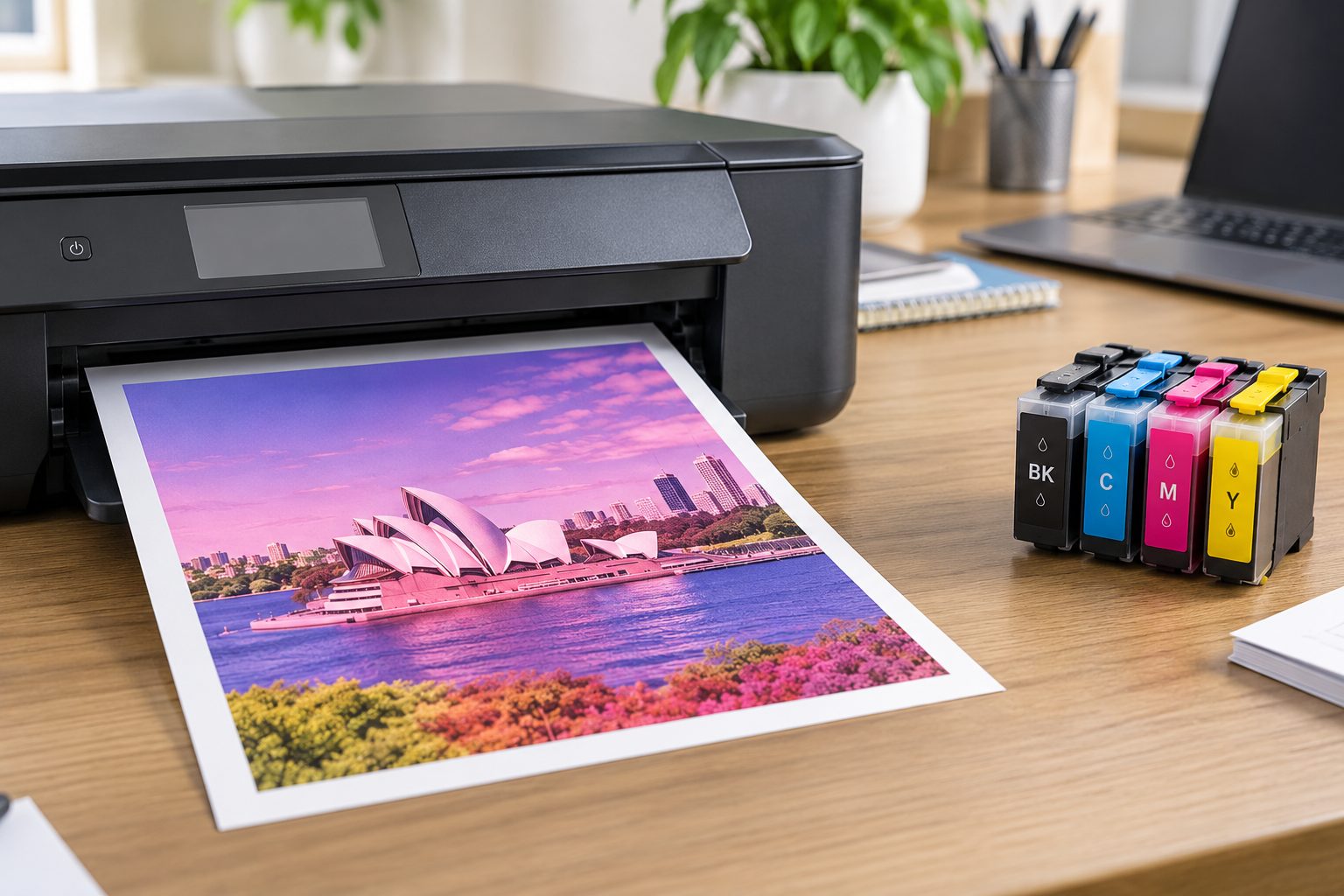
Oct 01, 2026
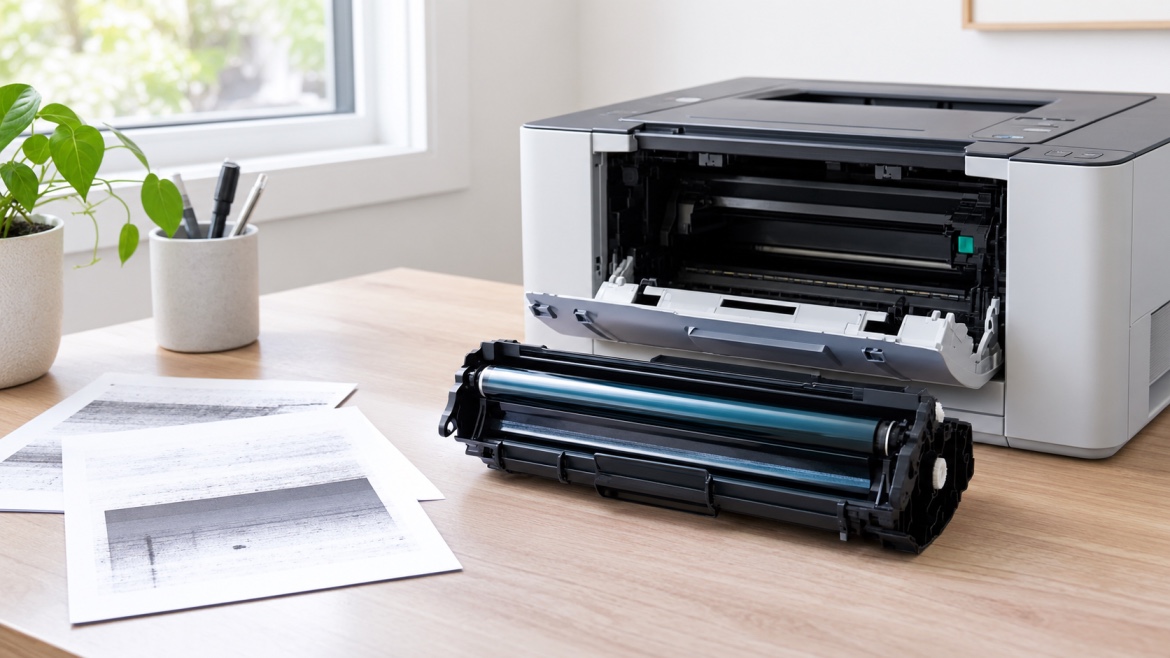
Sep 30, 2026
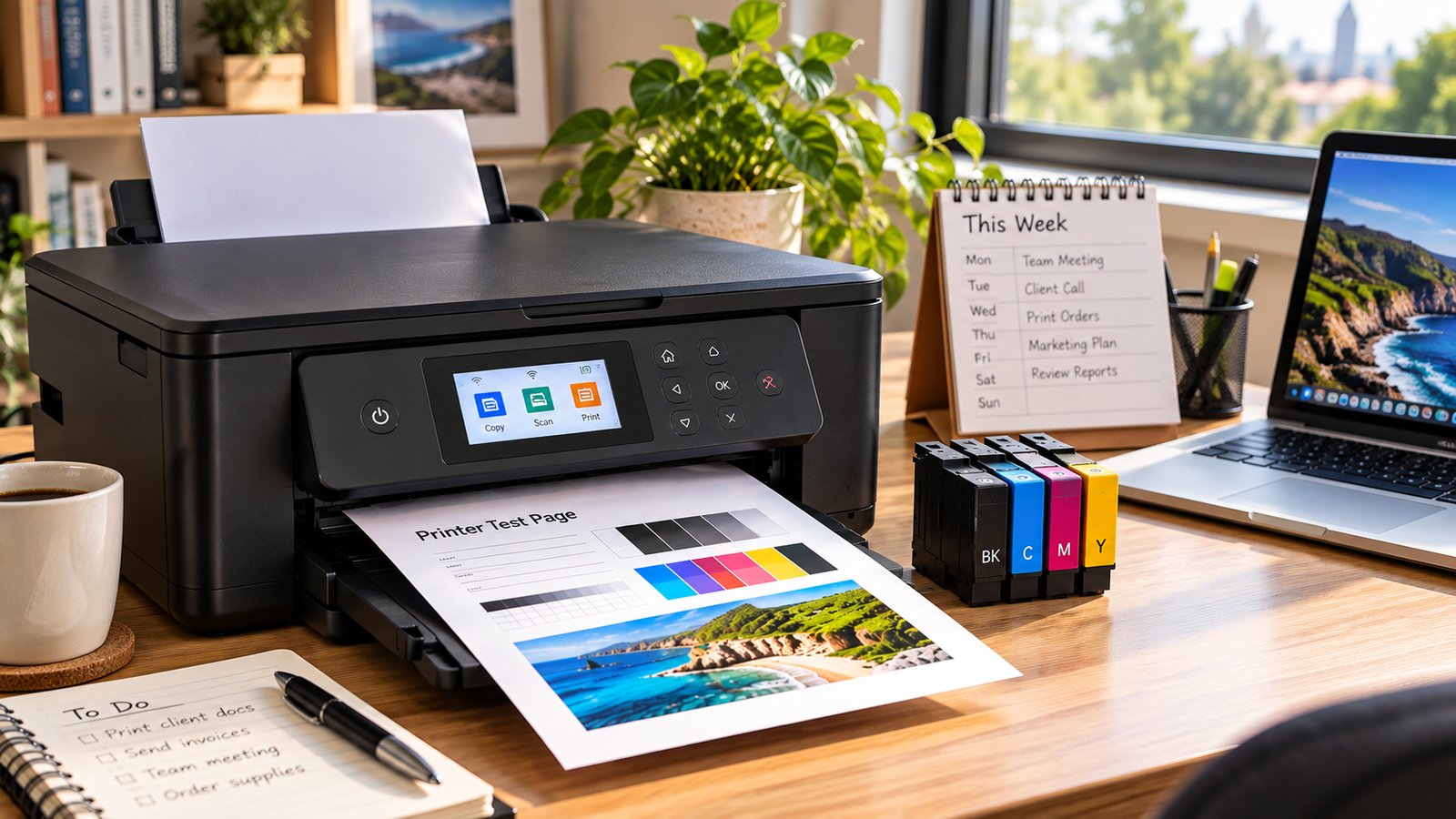
Sep 29, 2026