If your inkjet printer sits unused for weeks, you may eventually notice faded colours, missing lines or patchy text when you finally need it. That can happen when ink dries around the print head and affects the tiny nozzles used to put ink onto the page.
So, how often should you print an inkjet printer?
For a printer that isn't used regularly, printing something about once a week is a sensible routine. You don't need to print a large document. A small page containing both black text and colour is usually enough to check that everything is working properly.
There isn't a single schedule that suits every printer, though. The model, ink system, storage conditions and local environment all make a difference.
Here's what you need to know to keep an occasional-use inkjet printer ready when you need it.
Why Regular Printing Matters for Inkjet Printers
Inkjet printers use very small nozzles to place liquid ink onto paper. When the printer is left idle for a long period, ink around those nozzles can dry and affect the way the printer produces text and images.
You might first notice:
- Fine lines missing from documents
- Faded or uneven text
- Colours looking different from normal
- White streaks through images
- One colour not appearing properly
A printer that is used regularly is less likely to develop problems simply because it has been sitting idle. That doesn't mean you need to run the printer every day. For a home printer or an office machine that only gets occasional use, a small weekly print job is a practical habit.
It's also worth remembering that cartridges are part of the equation. The right cartridge needs to match the printer, and spare cartridges should be stored correctly until they're needed.
How Often Should You Print an Inkjet Printer?
For most occasional-use inkjet printers, once a week is a good starting point.
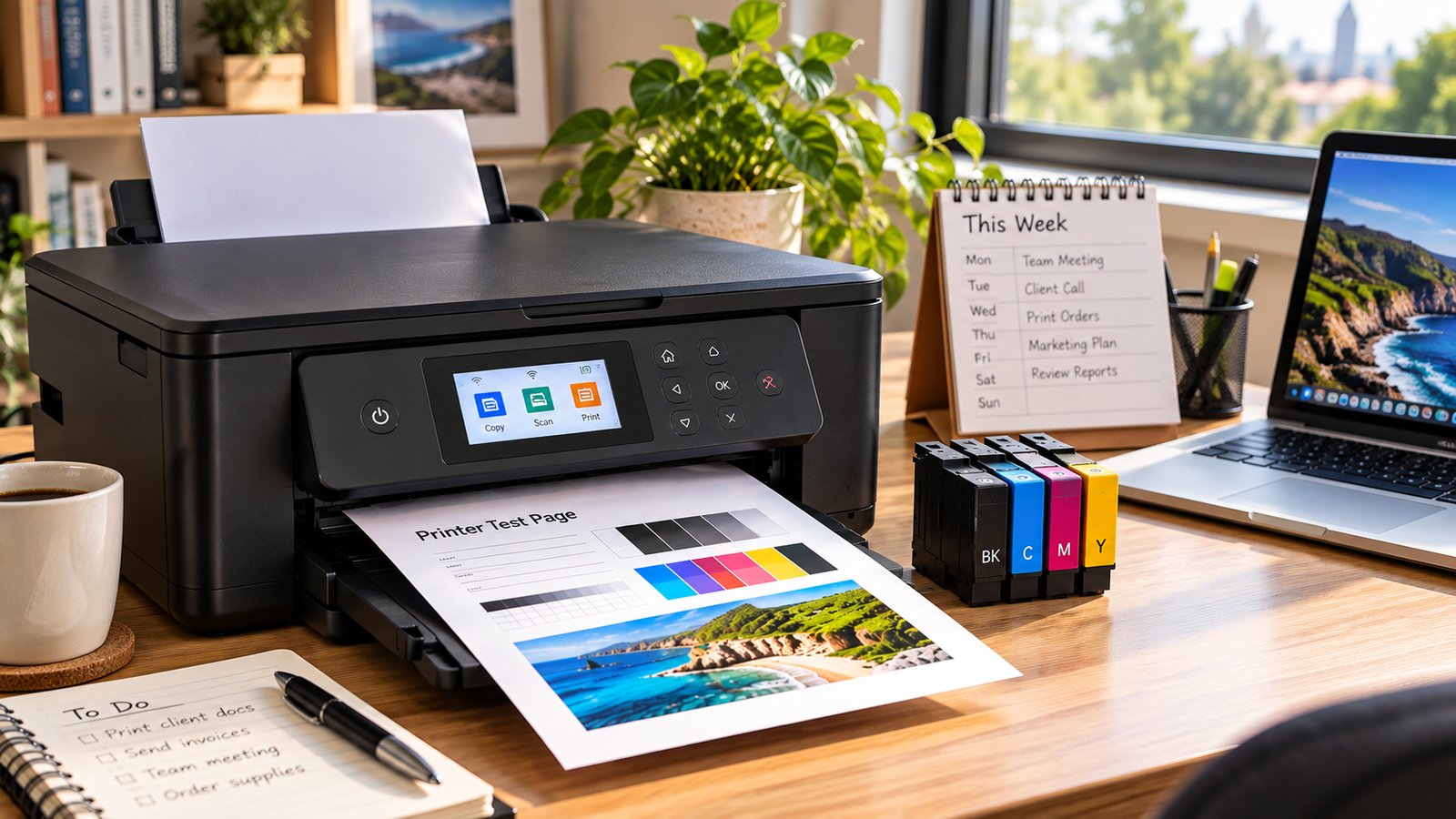
You could print a short document, a page containing text and colour, or use the printer's built-in test page if it has one.
Your routine can be adjusted depending on how often the printer is normally used:
- Used every day: There's generally no need to add extra maintenance printing.
- Used several times a week: Normal use should keep the printer active.
- Used about once a week: Keep using it normally and check print quality from time to time.
- Used only once every few weeks: A small test print can help you spot problems before an important job.
- Left unused for months: Check the printer, cartridges and print quality before putting it straight back into regular service.
These are general guidelines rather than a rule for every inkjet printer. Always check the instructions for your particular model, especially if the manufacturer recommends a specific maintenance routine.
What Can Change the Ideal Print Frequency?
The printer itself
Inkjet printers don't all work in exactly the same way. Some have different print-head designs and built-in maintenance routines.
If your printer performs automatic maintenance, its behaviour may differ from another model sitting on the same desk.
Where the printer is kept
Australia's climate varies considerably. A printer in a warm, dry room can have different storage conditions from one in a cooler or more humid environment.
Try to keep the printer somewhere clean and reasonably stable. Avoid direct sunlight, excessive heat and areas where dust can build up.
The type of ink
Ink formulations vary between printers. Some systems use dye-based ink, while others use pigment-based ink.
Rather than choosing a maintenance schedule based purely on the type of ink, follow the instructions supplied for the printer and cartridge you're using.
How the printer is switched off
Don't simply pull the power cable whenever you're finished printing.
Use the printer's normal power button and allow it to complete its shutdown cycle. This gives the machine the opportunity to park the print head correctly and complete its normal shutdown process.
How long it will be stored
If you know you won't be using the printer for an extended period, don't leave it somewhere hot, dusty or exposed to sunlight.
The same applies to spare cartridges. Keep them in the conditions recommended by the manufacturer and leave them sealed until you're ready to use them.
Simple Ways to Prevent Dried Ink
Good inkjet printer maintenance doesn't need to become another job on your to-do list.
A few straightforward habits can help you catch problems early.
Print a small page from time to time
If your printer normally sits unused, print a small page roughly once a week.
A page with black text and some colour gives you a quick indication of whether all the ink channels are working properly.
There's no need to print pages you don't actually need just to keep the machine busy.
Use the cleaning function when there's a problem
Most inkjet printers have a built-in cleaning or print-head maintenance function.
If your prints develop missing lines or uneven colours, run the manufacturer's recommended cleaning process.
Don't keep running cleaning cycles repeatedly if the first attempts don't help. Cleaning consumes ink, so repeated cycles can use a surprising amount of cartridge capacity.
Check print quality before an important job
If you have an important report, presentation or batch of documents to print, do a quick test first.
This is particularly useful in offices where a printer might sit unused over a weekend or holiday period.
Finding a blocked nozzle five minutes before a meeting is much more frustrating than finding it the day before.
Switch the printer off properly
When you're finished, use the printer's power button.
Avoid regularly cutting power at the wall while the printer is still operating. Follow the manufacturer's instructions for shutting down the machine.
Store spare cartridges properly
Don't leave spare cartridges sitting on a sunny windowsill or in a hot cupboard.
Keep them sealed and stored according to the manufacturer's instructions.
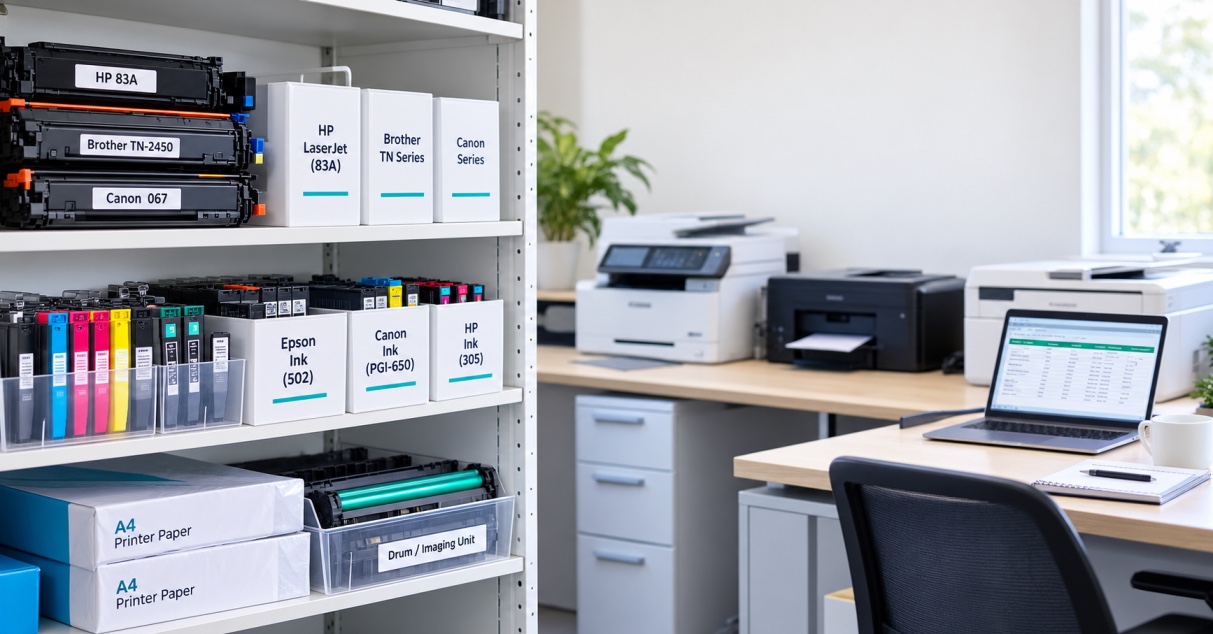
If your business keeps several cartridges on hand, it's worth having a simple cartridge storage system so older stock is used appropriately and replacement supplies remain in good condition.
Don't over-clean the printer
Cleaning is useful when it's needed. It isn't something you need to do constantly.
If your printer is producing clean, consistent pages, there's usually no reason to keep running cleaning cycles simply as a precaution.
What If Your Inkjet Printer Is Already Clogged?
If you've pulled an inkjet printer out after several weeks or months and the first page looks terrible, don't assume the printer is finished.
Start with the basics.
Check the ink levels
A low or empty cartridge can look like a print-head problem.
Check the printer's ink-level display before doing anything else.
Run a nozzle check
Many inkjet printers can produce a nozzle-check page. This shows whether particular sections of the print head are producing ink correctly.
It's a useful first step because it gives you a better idea of where the problem lies.
Try the manufacturer's cleaning cycle
If the nozzle check shows missing lines or colours, use the cleaning function recommended for your printer.
Give the printer some time between cleaning cycles rather than running one after another.
Check the cartridge
Make sure the cartridge is the correct model and has been installed properly.
If a cartridge is empty, damaged or faulty, replacing it may solve the problem without any further troubleshooting.
For businesses that rely on their printer every day, keeping the correct spare ink cartridges on hand can also prevent a minor cartridge problem from turning into a work interruption.
When should you get the printer serviced?
If you've followed the manufacturer's recommended steps and the print quality still hasn't improved, the problem may be more than dried ink.
The print head, ink delivery system or another internal component could require attention.
For a home printer, replacing the machine may sometimes make more sense than paying for extensive repairs. For an office or print-heavy workplace, professional servicing can be worth considering because downtime has a direct impact on staff productivity.
Choosing the Right Ink Cartridge
The cartridge you use matters just as much as how often you use the printer.
Before ordering replacement ink, check the exact printer model and cartridge number. Don't rely on the appearance of the cartridge alone.
Look for:
- The exact printer model
- Correct cartridge number
- Black or colour requirement
- Standard or high-capacity option, where available
- Compatibility with your printer
- The cartridge type recommended for your machine
For someone printing a few pages at home each week, standard-capacity cartridges may be perfectly adequate.
A small business, school, office or other organisation with a higher print volume may prefer higher-capacity cartridges where the printer supports them.
If you're replacing your ink, you can browse ink products from The Toner Group and check the cartridge details against your printer model before ordering.
A Simple Routine for Occasional Printer Users
You don't need a complicated maintenance calendar.
For most people, this is enough:
Once a week:
Print a small page if the printer hasn't been used.
Every few weeks:
Look at the print quality and check the ink levels.
Before a large or important job:
Run a quick test print.
When replacing a cartridge:
Check the model number before opening the packaging.
During extended storage:
Keep the printer and spare cartridges in a suitable environment and follow the manufacturer's storage instructions.
For printers that are already being used every day, normal printing may be all that's required apart from routine maintenance when the machine indicates it is needed.
How Often Should You Print an Inkjet Printer? The Short Answer
For an inkjet printer that isn't used regularly, printing approximately once a week is a practical rule of thumb.
The purpose isn't to burn through paper and ink. It's simply to keep the printer active and give you an opportunity to notice problems before they become inconvenient.
If you're seeing streaks, missing colours or faded text, check the cartridge, run a nozzle test and follow the manufacturer's cleaning instructions.
A little regular use, sensible storage and the right cartridge can go a long way towards keeping an occasional-use printer ready for the next job.
If you need replacement ink, choose a cartridge that matches your exact printer model rather than buying based on price alone.
Need replacement ink for your printer? Browse The Toner Group's range of compatible ink cartridges and find the right option for your printer.
FAQS:
1. How often should you print an inkjet printer?
For an inkjet printer that isn't used regularly, printing about once a week is a practical starting point. The ideal routine depends on the printer model, environment and manufacturer's instructions.
2. Can an inkjet printer dry out if you don't use it?
Yes. Extended periods without use can allow ink around the print-head nozzles to dry, potentially causing missing lines, faded output or uneven colours.
3. Is it OK to leave an inkjet printer unused for a month?
It may be fine, but longer periods without use can increase the chance of print-quality problems. If the printer has been idle for a month, run a test page before relying on it for an important job.
4. Does printing every day prevent dried ink?
Daily printing isn't necessary for most occasional-use printers. A small print job around once a week can be a sensible routine, while daily printing makes sense when you already have regular documents to produce.
5. How can I prevent ink from drying in my printer?
Use the printer regularly, keep it away from excessive heat and direct sunlight, shut it down correctly, store spare cartridges properly and follow the manufacturer's recommended maintenance procedures.