
Showing results for:
Category: Printer Comparisons
Clear Filter
-
| November 16, 2026If you own a Canon PIXMA printer, choosing the correct replacement cartridge is important for consistent printing and avoiding unnecessary costs. The Canon PG-645 and PG-645XL are two black ink options designed for selected Canon PIXMA printers. Although both cartridges perform the same basic function, they differ in ink capacity and estimated page yield.When searching for Canon black ink 645, you may come across different product names, including PG-645, PG-645XL and Canon 645 ink cartridges. Understanding these model numbers helps you choose the right cartridge for your printer and printing requirements.Whether you print invoices, school assignments, business documents or everyday household paperwork, this guide explains the key differences, cartridge technology, compatibility and installation considerations.1. What Is the Difference Between Canon PG-645 and PG-645XL?The main difference between the Canon PG-645 and PG-645XL is their estimated page yield. The PG-645 is the standard-capacity black cartridge, while the PG-645XL is the higher-capacity version.According to Canon Australia, the standard PG-645 produces approximately 180 pages, while the PG-645XL produces approximately 400 pages. Both are black pigment ink cartridges designed for compatible Canon PIXMA printers.Here is a quick comparison:FeatureCanon PG-645Canon PG-645XLCartridge typeStandard yieldHigh yieldInk colourBlackBlackEstimated page yield180 pages400 pagesBest suited forOccasional printingFrequent printingCartridge seriesCanon 645Canon 645XLThe page yields are manufacturer estimates. Your actual results may vary depending on the amount of text, graphics and images printed, as well as printer settings and usage.Which cartridge should you choose?If you only print occasionally, the standard PG-645 may be sufficient. However, if you regularly print documents at home or in a small office, the PG-645XL can reduce how frequently you need to replace your cartridge.The higher-capacity option generally offers more prints per cartridge, but compare the purchase price and expected usage before deciding.If you need the standard cartridge for a Canon PIXMA MG2460, you can check the genuine Canon PG-645 black ink cartridge for MG2460.2. Is Canon PG-645 a Standard or High-Yield Ink Cartridge?The Canon PG-645 is a standard-yield black ink cartridge. It is designed for users who have moderate or occasional printing requirements.With an estimated yield of 180 pages, it can handle everyday printing tasks such as:Letters and general correspondenceSchool assignments and study notesInvoices and receiptsBasic office documentsForms and administrative paperworkFor users who print more frequently, the PG-645XL is the high-yield alternative, with an estimated capacity of 400 pages.It is worth understanding that a high-yield cartridge does not necessarily produce better print quality. The main difference is its ink capacity and the number of pages it is expected to print.For example, a home user printing a few pages each week may find the standard PG-645 suitable. A small business printing invoices, reports and customer documents every day may benefit from the higher capacity of the PG-645XL.When comparing Canon black ink 645 options, consider your monthly printing volume rather than choosing a cartridge based only on its initial price.3. What Does FINE Technology Mean in Canon PG-645 Ink Cartridges?FINE stands for Full-photolithography Inkjet Nozzle Engineering. It is Canon's printhead technology, designed to control the ejection of tiny ink droplets onto paper.This technology helps produce sharp text, detailed images and consistent printing results. It is an important part of how compatible Canon inkjet printing systems deliver their output.The PG-645 cartridge uses Canon's FINE technology and contains a printhead as part of the cartridge assembly. This means the cartridge is more than a container holding black ink.For everyday users, the practical benefits include:Clear text for documents and lettersConsistent ink placement on the pageDetailed output for suitable graphicsConvenient cartridge replacementHowever, print quality also depends on other factors, including the condition of the printer, paper quality, print settings and cartridge condition.If you notice faded text, missing lines or uneven printing, the issue may be related to blocked nozzles or an ink delivery problem. Running the printer's cleaning and nozzle-check functions may help identify the cause.You can learn more about Canon's inkjet technology through its official FINE technology explanation.4. Is Canon PG-645 Suitable for Everyday Document Printing?Yes. The Canon PG-645 is suitable for everyday black-and-white document printing when used with a compatible Canon PIXMA printer.Its pigment-based black ink is designed for clear text output, making it useful for common home and office tasks. You can use it for printing emails, invoices, schoolwork, forms, letters and other documents.For households, the standard cartridge can be a practical option when printing requirements are relatively low. Small businesses may also find it suitable for occasional paperwork, although higher-volume users should compare the PG-645XL.Before buying a Canon 645 black ink cartridge, consider three things:Your printing frequency: If you print only a few pages each week, a standard cartridge may meet your needs. Regular printing may make the XL version more convenient.The type of documents: Text-heavy documents generally use ink differently from pages containing large graphics, photographs or solid black areas.Your printer model: Not every Canon PIXMA printer uses the PG-645 series. Always confirm the cartridge number recommended for your exact model.Canon lists the PG-645 and PG-645XL for selected models, including the PIXMA MG2460, MG2560, MG2960, MG2965, MG3060, MX496, TR4560, TS3160, TS3165 and TS3166. Check the manufacturer's compatibility information before ordering, as cartridge requirements can differ across printer ranges.For further information, visit the official Canon PG-645 product page.5. How Do I Get My Canon Printer to Accept Compatible Cartridges?If your Canon printer does not recognise a replacement cartridge, the problem may relate to cartridge compatibility, installation, electrical contacts or printer settings.Start by checking the cartridge number. A PG-645 replacement must be suitable for a printer that accepts the PG-645 series. A cartridge designed for another Canon range may look similar but will not necessarily work.If the cartridge is correct, try these troubleshooting steps:1. Check the cartridge modelConfirm that the replacement matches the cartridge number specified for your printer. Check your printer manual or Canon's official compatibility information.2. Remove protective packagingTake off any protective tape or plastic covering specified in the installation instructions. Leaving protective material in place can prevent the cartridge from operating correctly.3. Check the electrical contactsAvoid touching the copper-coloured electrical contacts or ink nozzles. Fingerprints, dust or ink residue can interfere with cartridge operation.4. Reinstall the cartridgeOpen the printer's cartridge access area and follow the instructions for your model. Make sure the cartridge is seated correctly and the holder is secured.5. Restart the printerClose the printer cover and follow the manufacturer's instructions to restart the machine. Check whether the cartridge is recognised after the printer completes its initialisation.6. Follow the printer's on-screen instructionsSome Canon models display warnings when a cartridge is not recognised or when ink-level monitoring is unavailable. Follow the instructions for your particular model rather than relying on a universal button combination.If the printer still does not recognise the cartridge, check the cartridge condition and contact the supplier for further assistance.When purchasing Canon black ink 645, choosing the correct cartridge for your exact printer model is the best starting point. This applies whether you buy a genuine Canon cartridge or a compatible replacement.Where Can You Buy Canon PG-645 Ink Cartridges in Australia?Australian customers can find Canon PG-645 and PG-645XL cartridges through office supply retailers, specialist ink suppliers and online printer cartridge stores.Officeworks is one option for customers searching for Canon 645 ink Officeworks listings. Specialist cartridge retailers may also offer standard and high-yield options, along with printer-specific product listings.Before ordering, compare the cartridge type, page yield, price and delivery conditions. Most importantly, check that the product is listed for your exact printer model.The Toner Group provides printer-specific listings to help customers identify suitable ink cartridges. For example, Canon PIXMA MG2460 owners can view the genuine Canon PG-645 standard-yield black ink cartridge.You can also browse the wider Canon ink cartridge range to explore available options.Final ThoughtsChoosing between the Canon PG-645 and PG-645XL comes down to your printing habits and cartridge requirements. The PG-645 is the standard-yield option with an estimated 180-page capacity, while the PG-645XL offers a higher estimated yield of 400 pages.Both are designed for selected Canon PIXMA printers and use Canon's FINE printhead technology. However, checking the exact printer model before purchasing remains essential.If you are comparing Canon black ink 645 cartridges, consider how often you print, whether standard or high-yield capacity suits your needs, and whether the cartridge is compatible with your printer.Taking a moment to check these details can help you avoid ordering the wrong cartridge and keep your everyday printing running smoothly.Frequently Asked Questions1. What is the page yield of a Canon PG-645 black ink cartridge?The genuine Canon PG-645 standard black ink cartridge has an estimated page yield of 180 pages. Actual results depend on document coverage, print settings and usage.2. How many pages does Canon PG-645XL print?The Canon PG-645XL high-yield black cartridge has an estimated page yield of 400 pages, compared with approximately 180 pages for the standard PG-645.3. Is Canon PG-645 the same as PG-645XL?No. Both are black ink cartridges in the Canon 645 series, but the PG-645 is standard yield and the PG-645XL is high yield. Their estimated page capacities are different.4. Can I use PG-645XL instead of PG-645?You can use PG-645XL as an alternative where your Canon printer supports the PG-645 cartridge series. Always check the compatibility list for your exact printer model.5. Is Canon PG-645 pigment black ink?Yes. Canon describes the PG-645 as containing specially formulated pigment black ink for document printing.6. Which printers use Canon PG-645 ink?Canon lists selected PIXMA models, including the MG2460, MG2560, MG2960, MG2965, MG3060, MX496, TR4560, TS3160, TS3165 and TS3166. Confirm compatibility before ordering.7. Why is my Canon printer not recognising the PG-645 cartridge?Possible reasons include an incorrect cartridge, protective tape left in place, poor cartridge seating or an issue with the electrical contacts. Check the installation instructions and contact your supplier if the problem continues.8. Where can I buy a genuine Canon PG-645 black ink cartridge in Australia?You can purchase genuine Canon PG-645 cartridges through Australian office supply retailers and specialist online ink suppliers. Check the cartridge number and printer compatibility before placing an order.
-
| August 26, 2026 Choosing between a laser printer and an inkjet printer can affect much more than the price you pay on day one. The wrong choice can mean higher running costs, slower printing or disappointing print quality for years.So, which is better: laser printer vs inkjet printer?For text-heavy, high-volume printing, a laser printer is usually the better choice because it is fast, efficient and designed around toner. For photos, colour graphics and lower-volume home printing, an inkjet can make more sense.This guide breaks down the real differences between laser vs inkjet printers, including running costs, speed, print quality, maintenance and the best option for different types of users.If you're already comparing supplies for your printer, you can also browse our printer supplies and toner options to see what is available for your model.How Laser and Inkjet Printers Actually WorkThe biggest difference between the two technologies is how they put an image onto the page.A laser printer uses toner, a fine powder that is transferred to the paper and fused using heat. This process is particularly well suited to producing large quantities of sharp text and business documents quickly.An inkjet printer uses liquid ink, spraying tiny droplets through print nozzles onto the paper. Because ink can be precisely placed in different colours, inkjet printers are particularly useful for photographs, illustrations and detailed colour graphics.That basic difference helps explain many of the differences you'll see when comparing them:Running cost: toner cartridges generally provide high page yields, while ink cartridge costs depend heavily on cartridge capacity and usage.Speed: laser printers are generally faster for text-heavy documents.Text quality: laser printers typically produce crisp, consistent text.Photo and colour printing: inkjets are often better suited to photographs and detailed colour images.Maintenance: each technology has different maintenance requirements, depending on the printer and how it is used.The best printer isn't necessarily the one with the lowest purchase price. It's the one that matches how you actually print.Cost Per Page: Laser vs InkjetPrinter price is only one part of the total cost of ownership.An inexpensive printer can become expensive if its cartridges need frequent replacement. Conversely, spending more on a printer initially can make sense if its consumables provide better value for the volume you print.In general, laser printers tend to offer a lower cost per page for high-volume document printing, while inkjets can be attractive for users who print less frequently or need strong colour and photo output.However, there is no universal cost-per-page figure for every printer. Page yield, cartridge capacity, coverage, colour usage and whether you choose standard or high-yield cartridges can all affect the result.Quick cost comparison — laser vs inkjetFactorLaser PrinterInkjet PrinterUpfront printer costOften higherOften lowerConsumableTonerInkReplacement frequencyGenerally lower for high-volume useDepends heavily on usage and cartridge capacityText-heavy printingUsually economicalCan become costly at higher volumesPhoto printingGood on suitable models, but not usually the main strengthGenerally better suitedHigh-volume office useStrong choiceDepends on printer and workloadLow-volume home useCan be suitableOften a practical choiceOne important point is cartridge yield. A standard cartridge and a high-yield cartridge for the same printer can have very different economics.For example, someone printing hundreds or thousands of pages every month should look beyond the printer's purchase price and compare the expected toner or ink consumption.For compatible supplies, check the exact printer model before ordering. You can compare available HP toner cartridges and Canon/HP ink cartridges based on the printer you already own.Speed, Print Quality and Best Use CasesThe right choice also depends on what you're printing.Laser printers: best for documents and volumeLaser printers are generally a strong fit for businesses and organisations that print a lot of documents.They are particularly useful when the workload consists mainly of:Invoices and financial documentsContracts and legal documentsReportsFormsInternal business documentsSchool worksheets and administrationBlack-and-white office documentsLarge batches of text-heavy pagesFor an accountant or law firm, for example, sharp text and consistent output may be more important than photographic colour reproduction. A laser printer can be a practical fit for that type of environment.They can also make sense for healthcare providers, corporate offices and other workplaces where printing is frequent and reliability and predictable consumable usage matter.Inkjet printers: best for photos and colourInkjet printers are often the better option when colour and image quality are priorities.They can be particularly useful for:Family photographsColour presentationsMarketing materialsSchool projectsIllustrationsGraphicsOccasional home printingFor a homeowner who prints a few documents and photographs rather than hundreds of pages each week, an inkjet may provide the flexibility they need without requiring a laser printer designed around higher-volume workloads.What about a home office?A home office printer sits somewhere between personal and business use.If you mainly print emails, invoices, reports and documents, a laser printer can be worth considering, especially if your monthly page count is relatively high.If your home office also involves photographs, colour graphics or occasional creative projects, an inkjet may offer more versatility.The key question isn't simply "Which printer is better?" Ask:What do I print, how often do I print it, and how much am I willing to spend on consumables?What about print-intensive businesses?For print-intensive workplaces, the calculation changes significantly.A business printing large volumes should consider:Expected monthly page volumeBlack-and-white versus colour requirementsToner or ink page yieldStandard versus high-yield cartridgesPrinter speedMaintenance requirementsNetwork and workflow requirementsAvailability and cost of replacement suppliesFor organisations with substantial printing needs, printer maintenance and managed print services can also become more important than the initial printer purchase.Check Cartridge Compatibility Before BuyingWhether you choose laser or inkjet, don't order a cartridge based only on the brand name.Always check the exact printer model and compatible cartridge number before purchasing.For example, knowing that you have an HP printer isn't enough to identify the correct toner. Different HP printer models can require completely different toner cartridges.The same applies to Canon and other brands.Before ordering, check:Exact printer modelCartridge or toner numberWhether the cartridge is black or colourStandard or high-yield capacityOriginal versus compatible cartridgeWhether the supplier confirms compatibilityThis simple check can prevent the common problem of receiving a cartridge that physically looks similar but isn't designed for your printer.It's also worth considering your actual printing pattern. Someone who prints occasionally may prioritise cartridge convenience and colour quality, while a business printing thousands of pages may care much more about page yield and total running cost.If you're unsure which cartridge you need, a printer buying and setup guide can help you work through the important specifications before ordering.So, Which Is Better: Laser or Inkjet?There isn't one winner for every user.Choose a laser printer if you:Print mostly documentsPrint frequently or in large volumesNeed fast text printingWant to prioritise toner efficiency for high-volume workloadsRun an office, school or document-heavy businessChoose an inkjet printer if you:Print photographs or detailed colour graphicsPrint relatively low volumesWant a versatile home printerNeed strong colour reproductionUse your printer for both documents and creative projectsThe most important part of the printer comparison is matching the technology to your workload.A homeowner who prints 20 pages a month has different requirements from a law firm printing hundreds of pages every day. Similarly, a graphic-focused user may value colour output more than a business that primarily prints contracts and invoices.Find the Right Printer Supplies for Your SetupOnce you've decided between laser and inkjet, the next step is making sure you have the right consumables for your specific printer.You can browse HP toner cartridges for compatible laser printer models or look at Canon and HP ink cartridges for inkjet printers.If you're buying a printer for a workplace, upgrading an existing setup or managing a larger print volume, it's also worth considering the long-term cost of supplies and maintenance rather than focusing only on the initial printer price.If you're unsure what fits your printer or need help with bulk supplies, printer maintenance or managed print requirements, getting advice before ordering can save both time and money.FAQsIs laser or inkjet cheaper in the long run?For high-volume, text-heavy printing, a laser printer will often be more economical because toner cartridges can provide high page yields. However, actual running costs depend on the specific printer, cartridge yield, print coverage and usage.Which is better for photo printing?Inkjet printers are generally better suited to photo printing because they use liquid ink and are designed to produce detailed colour output on suitable photo media.Do laser printers need less maintenance than inkjets?Laser and inkjet printers have different maintenance requirements. Laser printers don't have liquid ink that can dry in the print system, while inkjet printers may require attention to printheads and nozzles depending on the model and usage pattern.Can I use compatible toner or ink in either type?Compatible consumables are available for many laser and inkjet printers, but compatibility depends on the exact printer model and cartridge specification. Always verify compatibility before purchasing.Which is best for a home office versus a busy workplace?A home office with occasional colour and photo printing may benefit from an inkjet. A busy workplace printing large quantities of documents will often be better suited to a laser printer.Do inkjet printers dry out if not used often?Inkjet printers can experience ink and printhead-related issues when they are left unused for extended periods. The likelihood and severity depend on the printer, ink system and storage conditions.Final VerdictThe laser printer vs inkjet printer decision comes down to your printing habits.For fast, high-volume document printing, a laser printer is usually the stronger choice. For photographs, colour graphics and flexible lower-volume home printing, an inkjet can be a better fit.Before buying, look beyond the sticker price. Compare the printer's expected workload, cartridge yield, consumable costs, print quality, speed and maintenance requirements.And whichever technology you choose, always confirm the exact cartridge or toner compatibility before placing an order.
Recent Posts
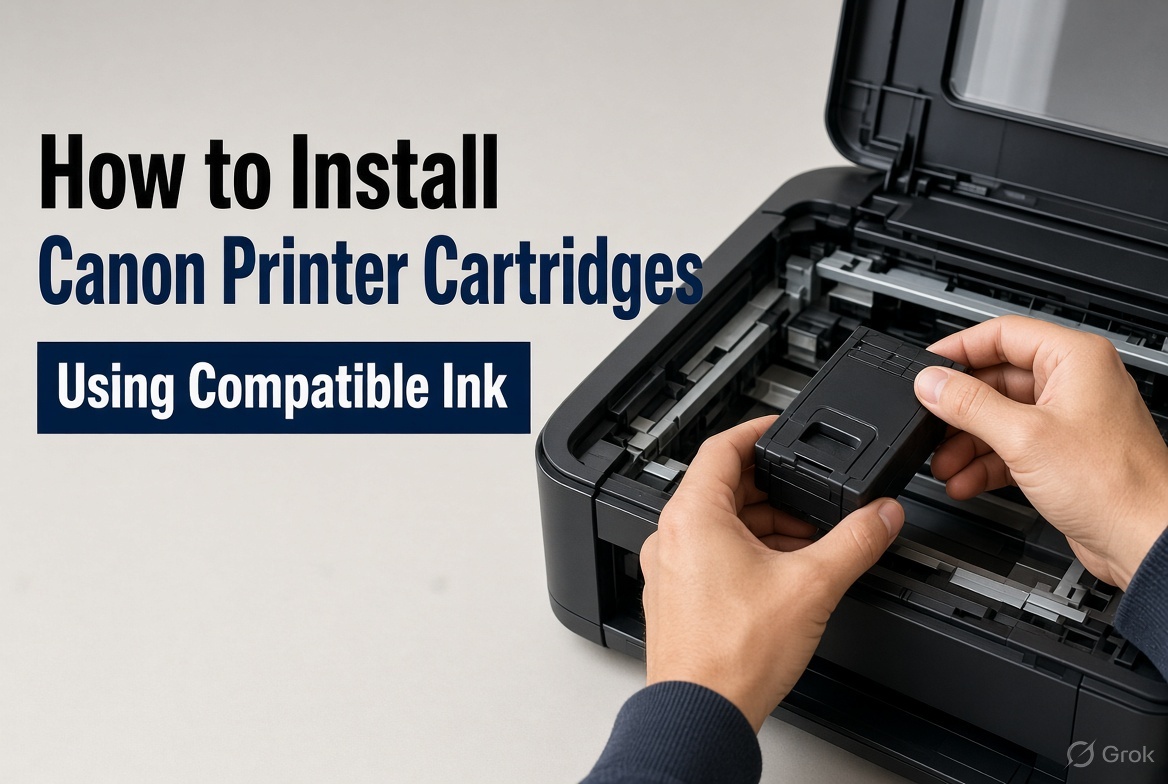
Nov 20, 2026
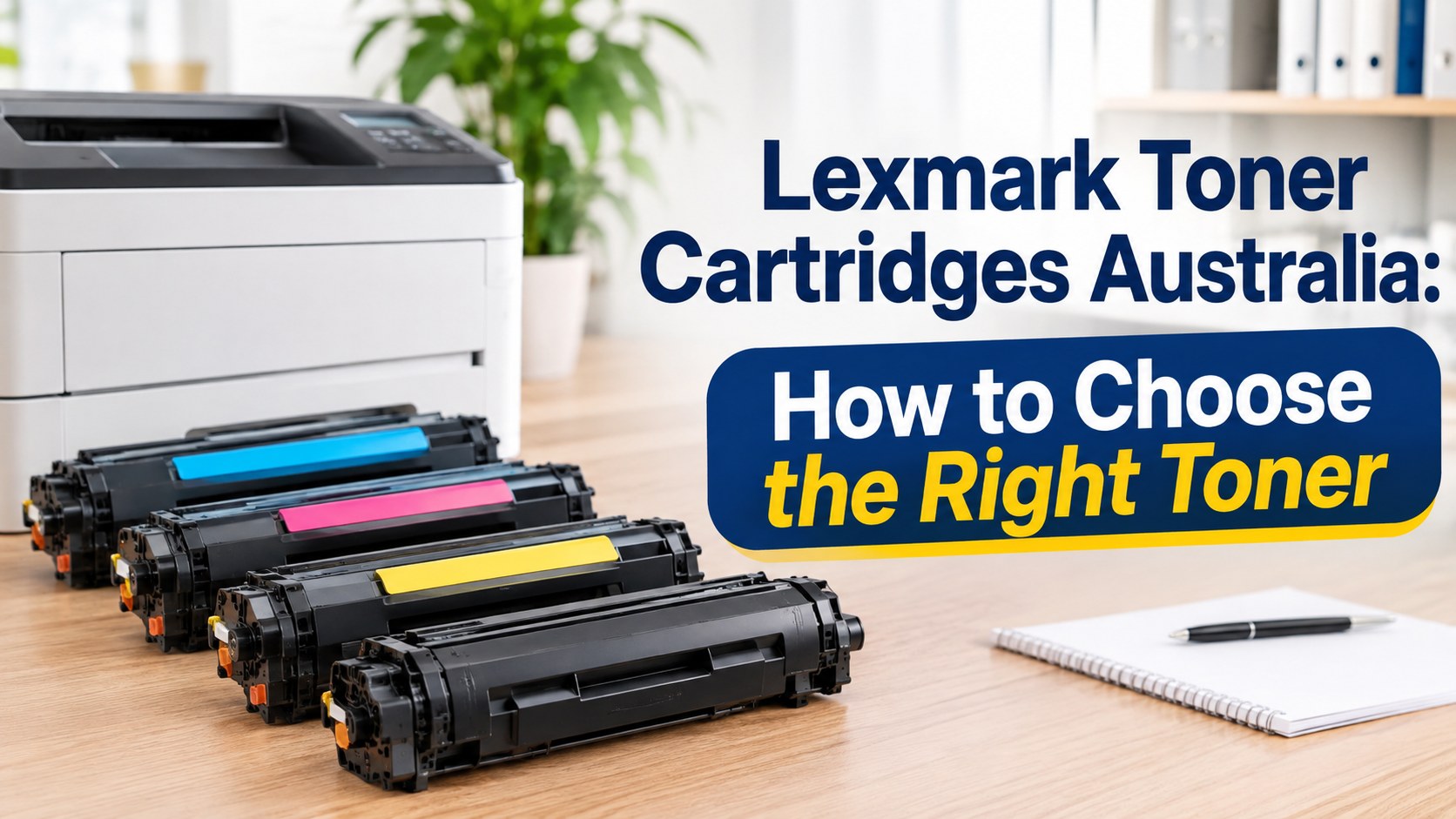
Nov 19, 2026
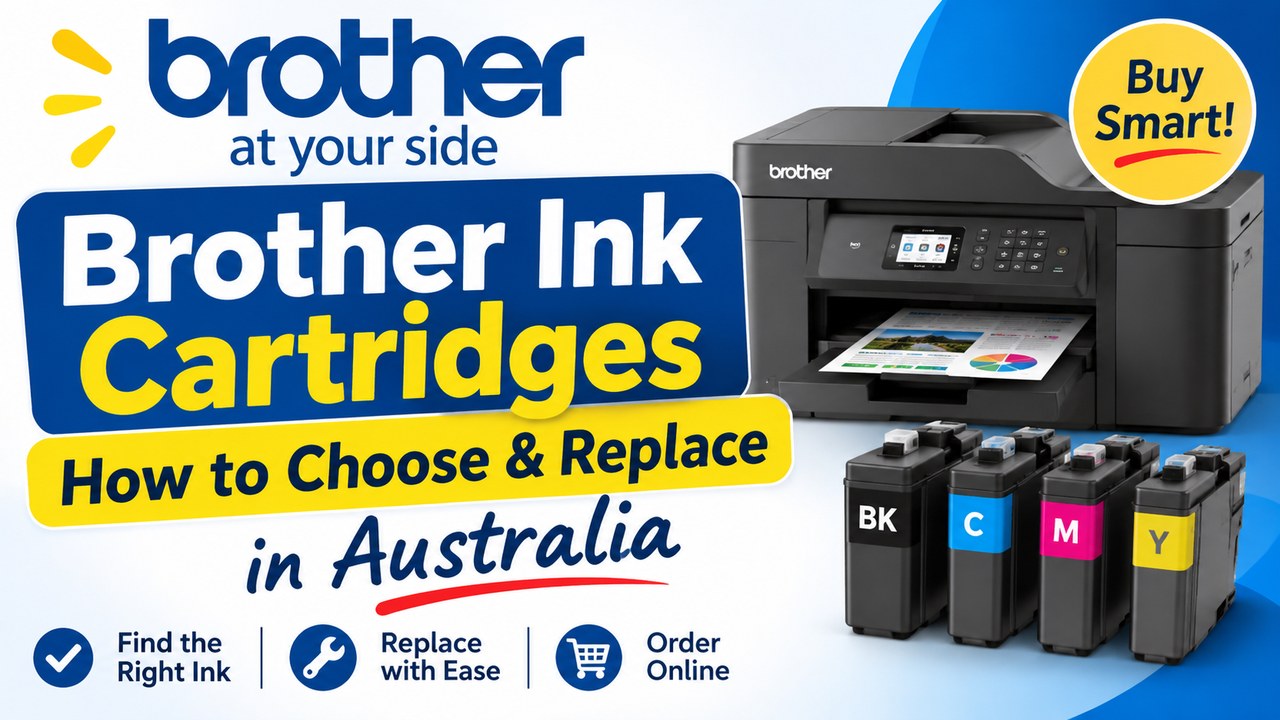
Nov 18, 2026