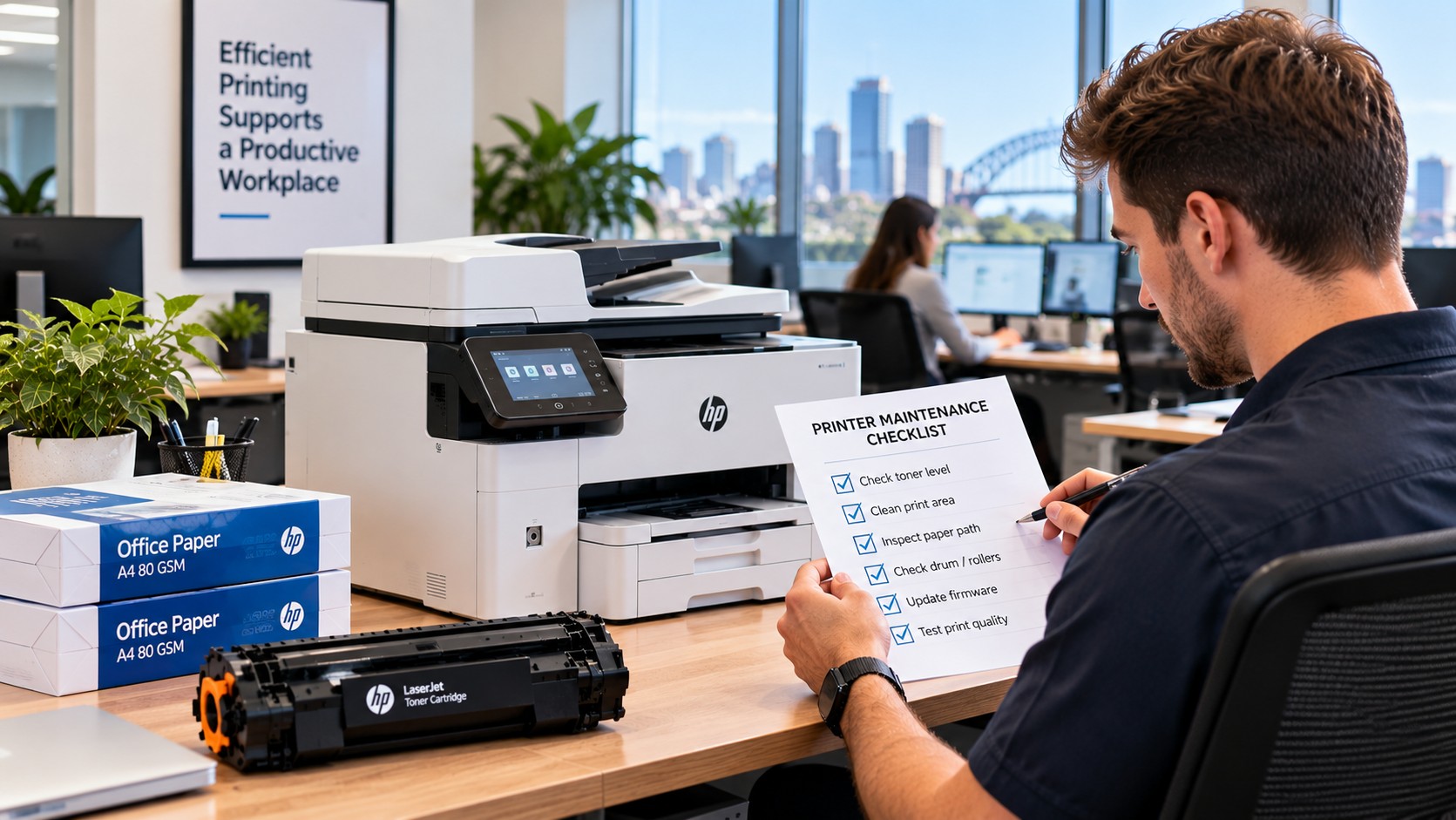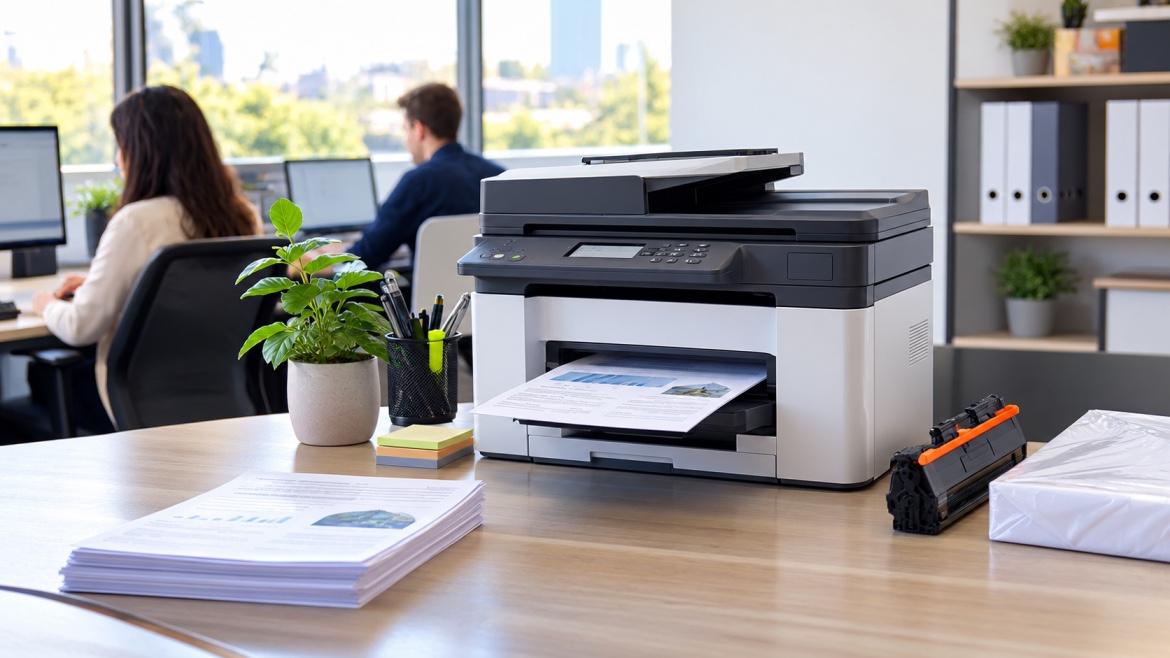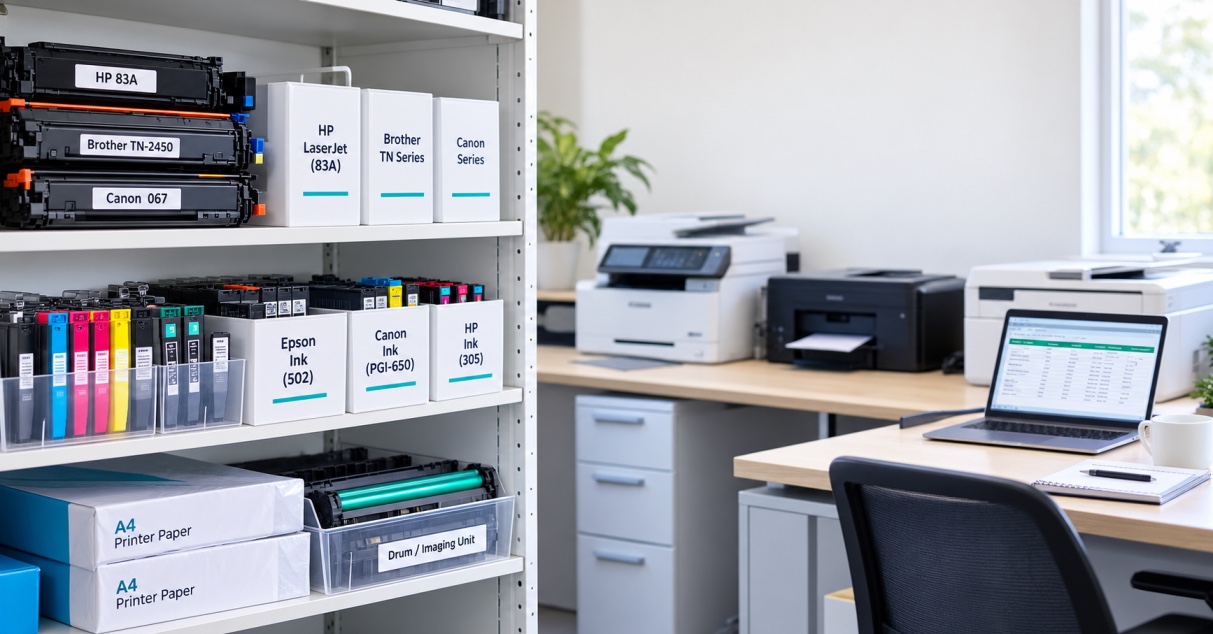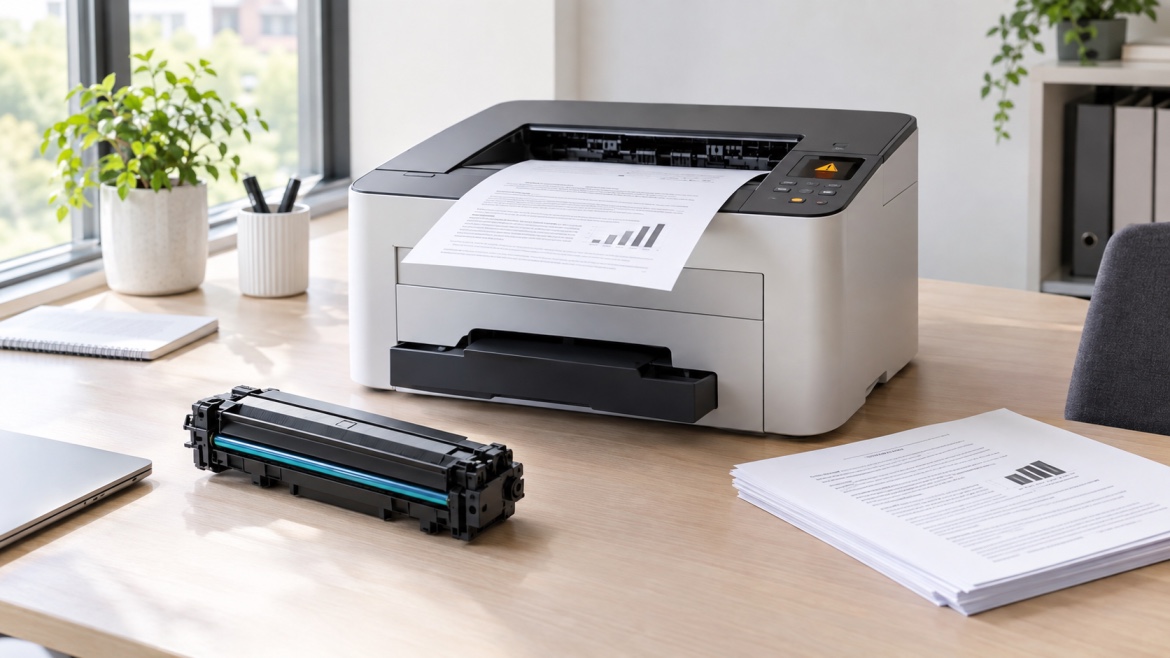
Have you ever seen “Replace Toner” appear on your laser printer, even though it is still printing perfectly well?
It can be confusing. If the pages are coming out clear, you might wonder why the printer is telling you to change the cartridge.
In most cases, the message doesn't mean the toner is completely empty.
Laser printers often estimate how much toner remains rather than measuring the exact amount inside the cartridge. The warning may appear early so you have time to arrange a replacement before the cartridge stops producing good-quality pages.
So, if your laser printer says replace toner but still prints, there's usually a simple explanation.
What Does “Replace Toner” Mean?
A replace toner message generally means the printer believes the cartridge is approaching the end of its expected life.
There may still be toner left inside.
Depending on the printer, the message can be triggered by:
- An estimated low toner level
- A page count
- Information stored on the cartridge chip
- A toner sensor
- The printer's estimate of cartridge usage
The exact method depends on the manufacturer and model.
The warning is often there to give you some notice rather than telling you that printing must stop immediately.
Why Does the Printer Still Print After the Warning?
The cartridge may still contain usable toner.
A laser printer's toner-level estimate isn't always a precise measurement of what's physically left in the cartridge. The printer may decide that the cartridge is nearing the end of its expected life before all of the toner has been used.
That's why you can sometimes continue printing after the warning appears.
You may still get several good pages, particularly if you're printing simple text documents.
However, the remaining toner won't necessarily last for a predictable number of pages.
Does a “Replace Toner” Message Mean the Cartridge Is Empty?
No.
This is one of the most common misunderstandings.
A toner cartridge can be considered low or near the end of its service life while still containing some usable toner.
As it gets closer to the end, you may start noticing:
- Faded text
- Light areas on the page
- Uneven black coverage
- White streaks
- Graphics becoming lighter
- Inconsistent printing from page to page
If the warning appears but your pages still look normal, you may not need to install a new cartridge immediately.
How Does a Laser Printer Know Toner Is Low?
Different printers use different systems to estimate toner levels.
Some cartridges have an electronic chip that communicates information to the printer. Others may rely on page counts, sensors or internal calculations.
This means the displayed toner level isn't always a direct measurement of the amount of toner remaining.
For example, a printer may determine that a cartridge has reached its expected usage limit even though there is still some toner inside.
This is also why two cartridges used in different ways can behave differently.
Should You Replace the Toner as Soon as the Message Appears?
Not necessarily.
If the printer is still producing clean, readable pages and you don't have an urgent job coming up, you may be able to continue using the cartridge.
But it's still a good idea to have a replacement ready.
The warning is telling you that the current cartridge is getting close to the end of its expected life. Waiting until the last possible page can be inconvenient, especially if you use the printer for work, school or business documents.
A practical approach is to keep printing while the quality remains good, but prepare the replacement at the same time.
What If Print Quality Is Still Good?
There's usually no need to panic.
If your documents are coming out sharp and evenly printed, the cartridge may still have useful life remaining.
Continue to keep an eye on the pages you produce.
If the output remains consistent, you may be able to get more use from the cartridge.
However, don't rely on those remaining pages for an important print job. A cartridge that is approaching the end of its expected life can become less reliable as you continue printing.
What If the Pages Start Looking Faded?
This is a stronger indication that the cartridge may actually be running low.
You might notice that text looks lighter than usual, large black areas aren't as solid, or parts of the page appear uneven.
If these changes appear alongside a low toner warning, replacing the cartridge is a sensible next step.
Before doing so, consider whether the problem is consistent across the entire page.
If only one small area is affected, there could be another cause.
Can You Shake a Toner Cartridge to Get More Pages?
You may have heard that gently moving a toner cartridge can temporarily improve faded printing.
In some cartridge designs, redistributing the remaining toner can help the cartridge produce usable pages for a little longer.
However, this is only a temporary measure and isn't suitable for every cartridge.
If the cartridge is already close to the end of its life, any improvement may be short-lived.
Always follow the manufacturer's instructions for handling and removing the cartridge.
Why Does the Warning Sometimes Appear Early?
An early warning can actually be useful.
Imagine you're printing a 50-page report and the cartridge suddenly stops producing usable pages halfway through.
Having advance notice gives you time to arrange a replacement.
The printer may also be working from an estimated cartridge yield rather than directly measuring every remaining particle of toner.
Your actual usage can vary depending on what you print.
Simple text pages generally use less toner than pages containing large graphics, heavy text or extensive areas of black.
Does Page Yield Affect Toner Usage?
Yes.
A cartridge's page yield gives you an estimate of how many pages it is designed to produce under specified testing conditions.
It isn't a guarantee that every user will get exactly that number.
Someone who mainly prints short text documents may use toner differently from someone who regularly prints graphics, presentations or documents with heavy black coverage.
This is why page yield is best treated as a useful guide when comparing cartridges rather than an exact countdown.
Can You Ignore the Replace Toner Message?
It's better not to ignore it completely.
If the pages are still clear, you may be able to continue printing for a while.
But the warning means the printer believes the cartridge is approaching its replacement point.
If you continue until the cartridge becomes unusable, you could suddenly find yourself unable to complete an important job.
The simplest approach is to keep using the cartridge while the output remains acceptable and have a suitable replacement ready.
What If the Printer Stops Printing Even Though Toner Remains?
Some printers may stop recognising a cartridge as usable once its cartridge status reaches the manufacturer's replacement point.
This can happen even when you can physically see or reasonably expect that some toner remains.
The printer may be responding to information from the cartridge chip, page count or another detection system.
That doesn't automatically mean the printer is faulty.
If this happens, refer to the instructions for your specific printer and cartridge rather than assuming that adding more toner will solve the problem.
What If a New Toner Cartridge Still Shows the Warning?
If you've installed a new cartridge and the same message remains, the issue may be related to cartridge recognition rather than toner level.
Start by confirming that:
- The cartridge matches your exact printer model
- It has been installed correctly
- Any protective packaging or seals have been removed as instructed
- The printer recognises the new cartridge
- There are no additional error messages
If everything appears correct but the warning remains, the cartridge may not be communicating properly with the printer.
Could the Cartridge Chip Be the Problem?
It can be.
Many modern toner cartridges use an electronic chip to communicate cartridge information to the printer.
If the printer doesn't recognise that information correctly, it may display a toner warning even when the cartridge is new.
Possible reasons include:
- The cartridge isn't installed correctly
- The chip isn't being recognised
- The cartridge is intended for a different model
- A cartridge component has been damaged
- There is a compatibility issue
This is why buying a cartridge based only on the printer brand isn't enough.
The exact printer model and cartridge reference are important.
Can a Compatible Toner Trigger a Warning?
A compatible cartridge isn't automatically a problem.
A compatible toner is designed for a particular printer or group of printer models, but it still needs to work correctly with the printer's cartridge-recognition system.
If the cartridge isn't recognised properly, a warning may appear.
The important thing is to choose a cartridge that is specifically matched to your printer model and the correct cartridge reference.
How to Troubleshoot a Low Toner Warning
If your laser printer says replace toner but still prints, try working through these steps.
1. Look at the print quality
Are the pages still sharp, dark and evenly printed?
If they are, the cartridge may still have usable life.
2. Read the exact printer message
Some printers provide additional information about the cartridge status.
The wording can help you understand whether the printer is reporting low toner, a cartridge error or something else.
3. Confirm the cartridge number
Make sure the replacement you're considering matches your exact printer model and cartridge reference.
4. Look at the cartridge installation
If you've recently installed a cartridge, make sure it is seated correctly according to the manufacturer's instructions.
5. Watch for changes in output
If text becomes increasingly light or coverage becomes uneven, the cartridge may genuinely be reaching the end of its life.
6. Keep a replacement available
If the warning has appeared and you print regularly, having the correct cartridge ready can save you from an unexpected interruption.
Common Mistakes When a Printer Says Replace Toner
Replacing the cartridge immediately
A warning doesn't always mean the cartridge is completely empty.
Assuming the warning is inaccurate
The printer may be giving you an early warning based on its toner-monitoring system.
Waiting until the cartridge completely fails
You may get more pages from the cartridge, but waiting until it stops completely can be inconvenient.
Buying toner based only on the printer brand
The same manufacturer can use many different cartridge references.
Assuming every warning means a printer fault
Sometimes the message is simply the printer reporting that the cartridge is approaching the end of its expected life.
When Should You Actually Replace the Toner?
There isn't one exact point that applies to every printer.
A practical guide is:
Warning + good print quality:
You may be able to continue printing.
Warning + fading or streaking:
The cartridge may be nearing the end of its useful life.
New cartridge + warning remains:
Look at installation, recognition and compatibility.
Poor print quality without a toner warning:
The problem may have another cause.
If you have an important printing job coming up, replacing the cartridge a little earlier may also make sense simply to avoid an interruption.
The Bottom Line
So, why does a laser printer say “Replace Toner” when it still prints?
Usually, the printer is warning you that the cartridge is approaching the end of its estimated life. There may still be enough toner left to produce additional pages, even though the replacement message has already appeared.
If the pages are still clear and consistent, you may not need to change the cartridge immediately.
At the same time, don't ignore the warning completely. Keep an eye on print quality and have the correct replacement ready, particularly if you rely on the printer for regular work or important documents.
If a new cartridge still produces the same warning, the issue may be related to cartridge recognition, installation or compatibility rather than the amount of toner inside.
In short, a replace-toner message doesn't always mean “stop printing now.” It usually means “start preparing for the next cartridge.”