
Showing results for:
Category: Product Compatibility
Clear Filter
-
| September 24, 2026If you need to replace just one cartridge, you might wonder whether it has to be the same brand as the others already in your printer.For example, perhaps your printer has genuine cartridges installed, but you have found a compatible replacement for one colour. Or maybe you have cartridges from different suppliers and want to know whether they can be used together.The good news is that you can often mix different printer cartridge brands in the same printer.What matters most is not whether every cartridge has the same brand name. The important thing is whether each cartridge is made for your particular printer and the correct cartridge reference.Can You Mix Printer Cartridge Brands?In many cases, yes.A printer does not normally require every cartridge to come from the same manufacturer. If each cartridge is designed for the printer, different brands can often work alongside one another.For example, a colour printer could have:A genuine black cartridgeA compatible cyan cartridgeA genuine magenta cartridgeA compatible yellow cartridgeIf all four are the correct replacements for that printer, they can generally be used together.The main thing to remember is compatibility comes first.Can You Mix Genuine and Compatible Cartridges?Yes, this is often possible.A genuine cartridge is made by the printer manufacturer, while a compatible cartridge is produced by another manufacturer for use in a particular printer.You do not normally need to replace all the cartridges just because you have decided to use a compatible one.For instance, if your black cartridge is empty, you could replace it with a compatible cartridge while keeping the genuine colour cartridges already installed.As long as the replacement is designed for your printer and is correctly installed, the two types can often work together.Does the Cartridge Brand Matter?The brand is worth considering, but it is not the first thing to look at.Before buying a replacement, pay attention to:Your exact printer modelThe cartridge numberWhether it is ink or tonerWhether the cartridge is genuine or compatibleAny chip or recognition requirementsThe printers listed as compatible with the cartridgeA cartridge can look almost identical to another one and still be the wrong replacement.That is why choosing a cartridge based only on its appearance, brand or price can cause problems.What Happens When You Mix Different Cartridge Brands?If the cartridges are suitable for the same printer, you may not notice any difference at all.The printer uses each cartridge for its particular colour or printing function. It does not necessarily matter that one cartridge came from a different manufacturer.There can, however, be differences between cartridges, such as:Colour appearancePrint densityPage yieldInk or toner formulationCartridge constructionHow the printer recognises the cartridgeThese differences depend on the individual cartridges and printer rather than simply the fact that the brands are different.Can You Mix Brands in a Colour Printer?Yes, in many colour printers you can.Colour printers usually have separate cartridges for black, cyan, magenta and yellow. Each one can potentially come from a different manufacturer, provided it is the correct cartridge for the printer.For example, you could have a compatible cyan cartridge alongside genuine black, magenta and yellow cartridges.For everyday documents, you may not notice much difference.With photos, graphics or colour-sensitive work, however, you might notice variations in colour between cartridges. If consistent colour is important, using cartridges from the same range may make things simpler.What About Laser Printers?The same basic idea applies to laser printers.You can often use genuine and compatible toner cartridges together, provided each one is made for your particular printer.For example, a compatible black toner cartridge can be used while other cartridges or toners from the original manufacturer remain installed.The important detail is the correct toner reference.Some laser printers also use chips, sensors or other systems to identify the cartridge. If the replacement is not correctly recognised, the printer may display an error or toner message.Why Isn't My Printer Recognising the New Cartridge?If your printer does not recognise a cartridge, the fact that it comes from a different brand may not be the reason.There are several things worth looking at.The cartridge may be the wrong oneSome cartridges look very similar but are designed for different printer models.Make sure the cartridge number matches your printer.The cartridge may not be seated correctlyIf the cartridge has not clicked into position properly, the printer may not recognise it.Remove it carefully and reinstall it according to the printer's instructions.Protective material may still be attachedNew cartridges can have protective tape, seals or packaging that need to be removed before installation.Leaving these in place can prevent the cartridge from working correctly.The cartridge chip may not be recognisedSome cartridges have a chip that communicates information to the printer.If the chip is damaged or not compatible with the printer, you may see a cartridge error or recognition message.The cartridge may not actually be compatibleA cartridge being described as "compatible" does not mean it works with every printer from that brand.It needs to be made for the specific printer model and cartridge reference.Does Mixing Brands Affect Print Quality?It can, but using different brands does not automatically mean your print quality will be poor.Print quality can be affected by the cartridge, printer condition, paper, print settings and the type of document being printed.Colour differences are generally easier to notice than differences in ordinary black-and-white documents.If you are printing reports, forms or schoolwork, small differences may not matter.If you are printing photographs, marketing material or documents where colour needs to remain consistent, cartridge differences may be more noticeable.Can Mixing Cartridge Brands Damage the Printer?Simply using cartridges from different brands does not automatically damage a printer.The bigger concern is using a cartridge that is unsuitable for the machine.Problems can occur if a cartridge:Does not fit correctlyHas the wrong cartridge referenceIs not designed for the printerLeaks ink or tonerHas a damaged componentIs installed incorrectlyA cartridge that fits physically is not necessarily the correct cartridge.Always match the replacement to the exact printer model.Do You Need to Use All Genuine Cartridges?Not necessarily.Genuine cartridges are made by the printer manufacturer and are designed specifically for its printers. They are one option for replacing an empty cartridge.Compatible cartridges are another option and are available for many popular printers.The important question is whether the cartridge is suitable for your printer and your printing needs.If you mainly print everyday documents at home, school or work, a suitable compatible cartridge may be perfectly practical.Can You Mix Compatible Cartridges From Different Brands?In many cases, yes.You could use a compatible black cartridge from one manufacturer and compatible colour cartridges from another, provided each cartridge is designed for your printer.However, compatible cartridges are not all made in exactly the same way. Different manufacturers can use different cartridge components, formulations and chips.If you notice a problem after changing one cartridge, look at that particular cartridge first rather than assuming that using different brands together is the problem.What Should You Look At Before Buying a Different Brand?If you are trying a different cartridge brand for the first time, a few simple steps can save you from buying the wrong product.1. Find the exact printer modelThe full model number is more useful than simply knowing the printer brand.2. Find the cartridge numberThe cartridge number helps identify the correct replacement.3. Decide between genuine and compatibleBoth options are available for many printers, so consider what suits your budget and printing requirements.4. Confirm compatibilityMake sure the cartridge is specifically listed for your printer model or the correct cartridge reference.5. Look for any installation requirementsIf your printer uses a cartridge chip or other recognition system, make sure the replacement is designed to work with it.Taking a minute to confirm these details can prevent a lot of frustration later.Common Mistakes When Mixing Cartridge BrandsMost problems come from choosing the wrong cartridge rather than simply mixing brands.Some common mistakes include:Buying by appearance: Two cartridges can look almost identical but have different compatibility requirements.Looking only at the printer brand: Knowing that you have a Canon, HP, Brother or Epson printer is not enough. The exact model matters.Assuming all compatible cartridges are identical: Compatible cartridges can differ between manufacturers.Replacing every cartridge unnecessarily: If one cartridge is empty, there is usually no need to replace the others simply because they come from a different brand.Ignoring the cartridge number: The cartridge reference is one of the simplest ways to identify the correct replacement.So, Can You Mix Different Printer Cartridge Brands?In many cases, yes, you can mix printer cartridge brands.You can often use a combination of genuine and compatible cartridges, or compatible cartridges from different manufacturers.The key is making sure each one is the correct cartridge for your printer.If your printer is recognising the cartridges and producing good-quality prints, there is generally no reason to replace a working cartridge just because another one comes from a different brand.When buying a replacement, focus on the printer model, cartridge number and compatibility rather than the brand alone.The Bottom LineDifferent cartridge brands can often be used together without causing problems.You may be able to mix genuine and compatible cartridges, or use compatible cartridges from different manufacturers. What matters most is whether each cartridge is properly matched to your printer.Before buying, confirm the printer model and cartridge number, then make sure the replacement is specifically designed for that machine.A different brand does not automatically mean a problem. The right cartridge matters more than having the same brand across every slot.
-
| September 17, 2026Most compatibility guides tell you to match the printer model, match the cartridge number, and check the colour. That's the easy eighty percent, and if that were the whole problem nobody would ever order the wrong cartridge twice.The mistakes that actually cost Australian households and offices money sit one layer down: in warranty terms people misunderstand, firmware behaviour manufacturers don't advertise, and a couple of things specific to buying consumables in this country that a generic overseas guide will never mention. Here's the fuller picture.Start with the printer model, but know why it's stricter than it looksThe exact model matters more than most people expect, because manufacturers routinely sell near-identical printer bodies under different model numbers with different cartridges fitted, sometimes to serve different retail channels or regions.Find the exact model on the front panel near the controls, on a label inside the cartridge access door, on the base of the unit, or in your computer's printer properties. If you've still got the box, that's the fastest source.The traps worth knowing:Same printer family, different cartridge. Brother's MFC range is a good example. An MFC-L2750DW and a similarly numbered sibling model can look identical on the shelf and use different toner cartridges entirely, because the model suffix, not just the family name, determines the cartridge fit.Grey import printers. Printers brought in through parallel import channels, sometimes sold cheaply through marketplace listings, can be region-variant units. The printer itself works fine on Australian power, but its firmware may expect a region-coded cartridge that differs from what's sold through authorised Australian retailers. If a cartridge that should fit refuses to be recognised, and the printer was bought through an unofficial channel or from overseas, check the region coding before assuming the cartridge is faulty.Find the cartridge number properly, not from memoryThe cartridge number is the manufacturer's specific reference code, and it's usually printed on the old cartridge itself, on its box, in the printer's on-screen supply menu, or in the manufacturer's own documentation.The number one habit that causes wrong orders in offices: someone glances at an old cartridge, remembers "it was something like TN-2420," and orders TN-2420 when the machine actually takes TN-2450. The two numbers differ by a suffix and describe genuinely different toner formulations and yields. Bring up the printer's supply status screen or physically check the cartridge rather than ordering from memory, every time.Ink cartridges and toner cartridges are not interchangeable conceptsInkjet printers use liquid ink cartridges, sometimes a single combined tri-colour cartridge, sometimes separate cyan, magenta, yellow and black units.Laser printers use toner cartridges containing fine powder, and on many models the toner cartridge and the drum unit are entirely separate consumables with different rated lifespans. This is where an expert distinction beginners consistently miss: a toner cartridge might be rated for around 3,000 pages, while the drum unit underneath it is rated for tens of thousands. If print quality degrades with fading or streaking bands after a toner swap, and the toner is genuinely fresh, the drum is often the actual culprit, not the toner. Ordering another toner cartridge in that situation fixes nothing.The warranty myth that costs Australian consumers real moneyHere's the one that genuinely deserves more attention than it gets.A huge number of people believe that fitting a compatible or third-party cartridge automatically voids their printer's warranty. It's repeated so often it's treated as settled fact, and it isn't accurate under Australian Consumer Law.Under the ACL, a manufacturer generally cannot refuse a warranty claim, or void your consumer guarantee rights, simply because you used a non-genuine consumable, unless they can actually demonstrate that the third-party product caused the specific fault you're claiming for. A blanket "warranty void if non-genuine ink used" sticker doesn't override statutory consumer guarantees. The ACCC has been explicit about this kind of practice across several product categories over the years, not printers specifically in every case, but the underlying principle applies broadly.That doesn't mean compatible cartridges are risk-free. If a genuinely faulty compatible cartridge damages a print head, proving that the cartridge caused the fault rather than something else can become the manufacturer's argument, and it's worth choosing a supplier who stands behind their product if it comes to that. But the idea that simply using compatible ink strips away your rights is a myth worth retiring, and it's worth keeping your purchase receipt for the cartridge as much as for the printer if you ever need to make that case.The firmware issue that made headlines, and why it still mattersThis is the detail that separates people who've done their homework from people who haven't.HP built a feature into many of its inkjet and LaserJet printers called Dynamic Security, firmware designed to detect and block cartridges using non-HP chips or non-HP electronic circuitry. It's not a rumour or a compatibility theory. It became the subject of a US class action, which HP settled, after a firmware update caused printers to stop accepting cartridges that had previously worked perfectly well.The practical takeaway for Australian buyers: if you deliberately choose compatible cartridges for cost reasons, check whether your specific model uses this kind of protection before you buy in bulk, and think twice about letting the printer install automatic firmware updates unattended. A firmware push landing overnight can turn a shelf of perfectly good stock into cartridges your printer suddenly refuses, through no fault of the cartridge itself. Epson and Canon have used broadly similar chip-verification approaches on various models, so this isn't an HP-only consideration, just the most publicly documented one.Subscription ink is a different beast entirelyIf your printer came bundled with a program like HP's Instant Ink or a similar subscription scheme from another brand, be aware those cartridges are typically tied to your account rather than sold outright. They're often shipped part-filled relative to their rated capacity, priced against the subscription rather than against a retail cartridge, and they stop working if the plan lapses, sometimes even with visible ink remaining. If you're comparing the cost of switching to compatible cartridges against a subscription price, you're not comparing like for like, and it's worth reading the actual terms before assuming either option is cheaper.Page yield: the number on the box is a laboratory result, not a promiseStandard versus high-yield cartridges can vary enormously even within the same printer family, and yield figures are measured under a standard test document at a fixed page coverage, usually around five percent. That's a fairly sparse business letter. It is not a page with a company logo header, a full colour chart, or a photo.A cartridge rated for roughly 3,000 pages at 5% coverage might realistically deliver well under half that if you're regularly printing marketing materials, spreadsheets with shaded cells, or anything colour-heavy. For home users printing occasionally, standard yield is usually fine. For a busy accounts department, school office or medical practice, cost per page at your actual coverage level matters far more than the headline page count on the box.Genuine or compatible: the decision most people frame backwardsThe common framing is "genuine is better quality, compatible is cheaper and riskier." That's too simple.Genuine cartridges make sense when consistent, predictable output matters for the work, when procurement policy requires OEM consumables, or when you want the manufacturer's own quality control behind every print. Quality compatible cartridges from an established supplier make sense when cost per page across several printers is the priority, when you print frequently enough that the saving compounds meaningfully, and when you're buying from a supplier who'll actually support you if something goes wrong rather than one you found at the bottom of a marketplace search sorted by lowest price.The distinction that matters is verified compatibility and supplier reliability versus an anonymous listing with a suspiciously low number attached. Both genuine and well-made compatible cartridges can be the right call. An unverified bargain cartridge from an unknown seller rarely is.What actually happens once the cartridge is emptyThis bit gets skipped in almost every guide, and it's genuinely relevant in Australia.Printer cartridges aren't accepted in most kerbside recycling bins, because the mixed plastics, foam and residual ink or toner contaminate standard recycling streams. Australia runs a dedicated product stewardship scheme through Cartridges 4 Planet Ark, with free drop-off points at most Officeworks stores and a wide network of Australia Post outlets around the country. It costs nothing to use and takes about as long as posting a letter. If your household or office genuinely wants to reduce plastic waste rather than just buy the cheapest ink, this is the easy, no-cost part of doing that properly.Practical issues unique to buying consumables in AustraliaA few things worth factoring in that don't come up in guides written for other markets.Heat during transit. Cartridges shipped through summer in inland or northern Australia can spend hours in a delivery van or sitting in a hot letterbox. Heat can affect ink viscosity and stress cartridge seals. If a freshly delivered cartridge underperforms and the weather's been extreme, that's worth considering before assuming it arrived faulty.Regional stock and delivery timeframes. Businesses outside metro areas should factor in longer delivery windows for less common cartridge codes, and it's worth keeping one spare on hand for any printer handling time-sensitive work, rather than ordering only once the warning light appears.GST and tax invoices for business purchases. If you're claiming consumables as a business expense, make sure the supplier issues a proper tax invoice showing GST separately, particularly for larger multi-cartridge or bulk toner orders that you'll want clearly itemised for your bookkeeping or BAS.A simple compatibility check that actually worksWork through it in this order, every time:Printer model → cartridge number → colour or type → yield → genuine or compatible.If all five line up against the product listing before you pay, you've eliminated almost every way this can go wrong.Keep a simple record if you manage printers for a businessFor an office, school or medical practice juggling more than one printer, a basic record sheet per machine saves real time:FieldExamplePrinterBrother MFC-L2750DWCartridgeTN-2450TypeTonerColourBlackYieldHigh yield (~3,000 pages)Preferred optionGenuine or compatibleUsual supplier—This stops the most common office mistake: someone spots an old cartridge number, orders quickly from memory, and gets a similar-looking but incompatible product because they skipped the exact model check.Key takeawaysThe exact printer model, right down to the suffix, decides cartridge compatibility. Family name alone isn't enough.Toner and drum units are often separate consumables with very different lifespans. Fading after a toner change often means the drum, not the toner.Using compatible ink does not automatically void your statutory consumer guarantee rights under Australian Consumer Law, regardless of what a warranty sticker implies.Some manufacturers, HP most publicly through its Dynamic Security firmware, have built in cartridge verification that can reject previously working cartridges after an update.Rated page yields assume light coverage. Real-world yield on image or colour-heavy printing is often well under half the figure on the box.Empty cartridges have a genuine, free recycling pathway in Australia through Cartridges 4 Planet Ark, at Officeworks and Australia Post outlets nationwide.If you know your printer model and cartridge number, the fastest way to confirm compatibility is a dedicated Ink & Toner Finder that lets you search by printer or by cartridge code directly, rather than scrolling through listings hoping the photo matches.
-
| August 24, 2026Finding the right ink cartridge for an older HP DesignJet can be confusing, particularly when several cartridge numbers belong to the same ink family.If you’re looking for HP 90 ink, you may come across C5062A and C5063A. Both are Magenta cartridges, but they have different ink capacities and should not be treated as identical products.For Australian businesses still using an HP DesignJet for plans, drawings, posters or other large-format printing, checking the cartridge number before ordering is one of the easiest ways to avoid buying the wrong supply.Here’s what you need to know about C5062A, C5063A and HP 90 compatibility.What Are C5062A and C5063A?C5062A and C5063A are HP 90 Magenta ink cartridges.The main difference between them is the amount of ink they contain:C5062A: 225 mlC5063A: 400 mlBoth are associated with HP DesignJet 4000 and 4500 series printers.So, if you’re replacing an existing cartridge, don’t choose simply because the listing says “HP 90 Magenta”. Check the full cartridge number as well.C5062A vs C5063A: What’s the Difference?The easiest way to tell the two cartridges apart is their capacity.CartridgeInk familyColourCapacityC5062AHP 90Magenta225 mlC5063AHP 90Magenta400 mlC5063A holds considerably more ink than C5062A.That can be useful for businesses with regular large-format printing, as a higher-capacity cartridge may mean fewer replacements. However, that doesn’t mean C5063A is automatically the right choice for every printer.Your printer’s compatibility should always come first.Which HP DesignJet Printers Use C5062A and C5063A?HP’s supply information associates these HP 90 Magenta cartridges with the HP DesignJet 4000 and 4500 series.If you’re using one of these printers, it’s still worth checking the exact model before placing an order.This is particularly important with older DesignJet printers. Searching for something broad like “HP 90 ink”can bring up several cartridge numbers, colours and capacities.A better approach is:Check the DesignJet model → check the cartridge number → check the colour → check the capacity.That gives you a much better chance of getting the correct cartridge the first time.How Do I Know If I Need C5062A or C5063A?The simplest answer is to check your existing cartridge.If the cartridge label says C5062A, look for C5062A when replacing it.If it says C5063A, look for C5063A.You can also check the printer documentation or previous cartridge packaging if the old cartridge is no longer available.It is better to spend a minute checking the cartridge number than to rely on the HP 90 name alone.Is C5062A Compatible With C5063A?This is a common point of confusion.Although both cartridges are part of the HP 90 family and both are Magenta, C5062A and C5063A have different cartridge numbers and capacities.For that reason, you should not assume that one can simply replace the other.If your printer calls for C5062A, use a cartridge specifically identified as C5062A for that printer.If it calls for C5063A, look for the C5063A specification.In other words, match the cartridge number to the printer rather than choosing based only on colour or ink family.What About “C5062A Compatible” and “C5063A Compatible”?When searching online, you may also see phrases such as C5062A compatible or C5063A compatible.These terms generally refer to third-party alternatives designed for use in place of the relevant original cartridge.If you’re considering one of these options from another supplier, check the product information carefully. The important details are the exact cartridge number, printer compatibility, colour and capacity.However, if you’re specifically buying from The Toner Group, don’t assume that a compatible version is available. The available product should be checked against the current range before ordering.For an article about these cartridges, the most useful thing is to understand the original HP cartridge number first.Genuine HP 90 Cartridges: What Should You Check?If you’re buying a genuine HP 90 cartridge, there are still a few details worth checking before placing an order.1. Printer modelStart with the exact HP DesignJet model.2. Cartridge numberCheck whether you need C5062A or C5063A.3. ColourBoth are Magenta, but other HP 90 colours use different cartridge numbers.4. CapacityC5062A is 225 ml, while C5063A is 400 ml.5. Product descriptionMake sure the listing clearly identifies the cartridge as suitable for your printer.These checks are especially useful when buying older printer supplies online, where similar product names can easily cause confusion.Why Does Ink Capacity Matter?The difference between 225 ml and 400 ml may not matter much to someone who prints occasionally.For a business using a DesignJet every day, it can be more noticeable.Architectural practices, engineering firms, construction companies and other businesses may use large-format printers for drawings, plans, presentations and other project documents.If you’re printing regularly, replacing cartridges can become part of your normal operating routine.A larger-capacity cartridge may reduce how often you need to change supplies, but the right choice still depends on what your printer supports.It’s also worth considering your actual printing volume. There’s little benefit in paying for more capacity than you are likely to use.Other HP 90 Cartridge NumbersC5062A and C5063A are only two cartridges in the HP 90 family.Other HP 90 supplies include Black, Cyan and Yellow cartridges, with different cartridge numbers and capacities.This is another reason to search by the exact cartridge code whenever possible.For example, if you need Magenta, searching specifically for C5062A or C5063A is more precise than simply searching for “HP 90”.It also makes it easier to compare the correct products rather than sorting through unrelated colours or capacities.Buying C5062A or C5063A in AustraliaFor Australian buyers, availability can be an important consideration with older printer consumables.Before ordering, check:The exact HP DesignJet modelCartridge numberColourInk capacityGenuine HP statusSupplier warranty or return informationDelivery optionsIf the printer is important to your business, it can also be sensible to keep a spare cartridge available rather than waiting until the existing one is completely empty.That can save an unnecessary interruption when an important drawing or large-format document needs to be printed.A Simple Way to Avoid Ordering the Wrong CartridgeIf you’re unsure which HP 90 cartridge you need, follow this simple process:Step 1: Find your exact DesignJet model.Step 2: Check the cartridge currently installed in the printer.Step 3: Look for the cartridge number on its label.Step 4: Match the number with the replacement product.Step 5: Check the colour and capacity before ordering.This is much more reliable than searching by printer brand alone.Final ThoughtsC5062A and C5063A are both HP 90 Magenta cartridges, but they are different capacity options.C5062A contains 225 ml, while C5063A contains 400 ml.If you have an HP DesignJet 4000 or 4500 series printer, check the exact cartridge number your printer requires before ordering.And if you come across C5062A compatible or C5063A compatible listings elsewhere, don’t assume they are interchangeable with the original HP cartridges. Check the printer model, cartridge number and capacity carefully.For Australian businesses still relying on an older DesignJet, that small compatibility check can save time, avoid unnecessary returns and help keep large-format printing running without surprises.Frequently Asked QuestionsWhat is C5062A?C5062A is an HP 90 Magenta ink cartridge with a 225 ml capacity.What is C5063A?C5063A is an HP 90 Magenta ink cartridge with a 400 ml capacity.Are C5062A and C5063A the same cartridge?No. They are both HP 90 Magenta cartridges, but they have different cartridge numbers and capacities.Which is larger, C5062A or C5063A?C5063A is the larger-capacity option at 400 ml. C5062A contains 225 ml.Which DesignJet printers use C5062A and C5063A?HP identifies both cartridges with the DesignJet 4000 and 4500 series. Always check the exact printer model before ordering.Can I replace C5062A with C5063A?Don’t assume that you can. Although both belong to the HP 90 family, they have different specifications. Match the cartridge number to the printer’s requirements.What does C5062A compatible mean?“C5062A compatible” generally refers to a third-party cartridge designed as an alternative to the original C5062A. If considering one, check the exact printer compatibility and specifications.What does C5063A compatible mean?“C5063A compatible” generally refers to a third-party alternative designed for printers that use C5063A. Check the printer model, cartridge number and capacity before buying.How can I check which HP 90 cartridge I need?Check the cartridge number printed on your existing cartridge, then confirm it against your exact HP DesignJet model and the replacement product description.Is HP 90 still used in DesignJet printers?HP 90 is associated with older DesignJet models, including the DesignJet 4000 and 4500 series. If you still operate one, checking the exact cartridge number is important when sourcing replacement ink.
Recent Posts
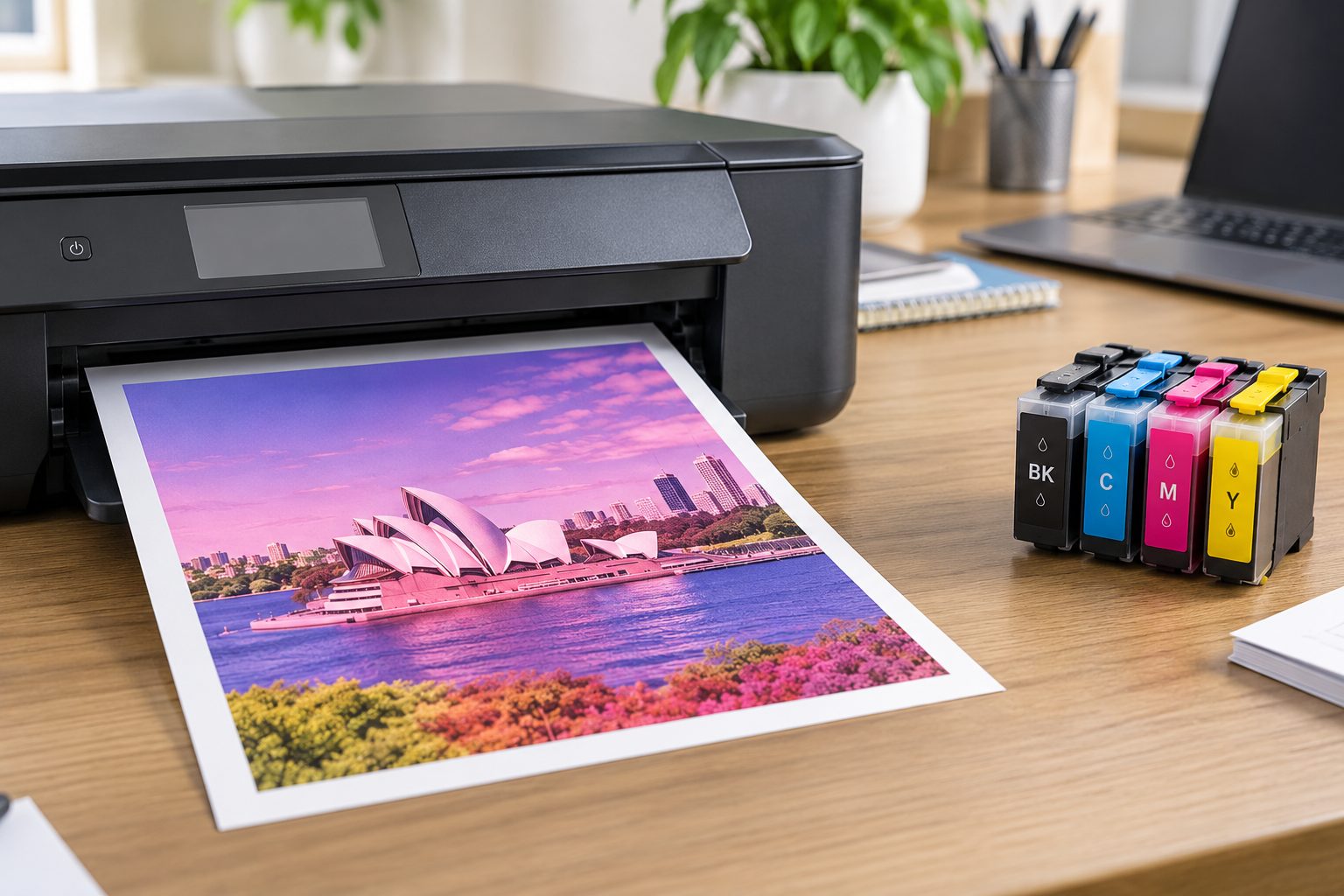
Oct 01, 2026
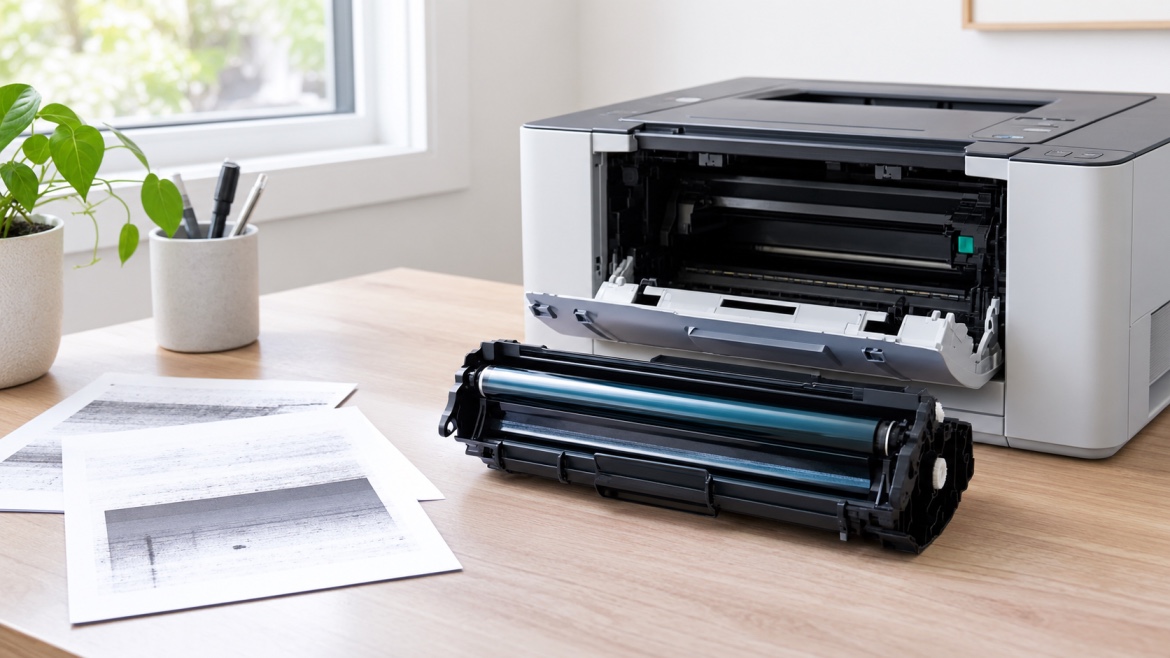
Sep 30, 2026
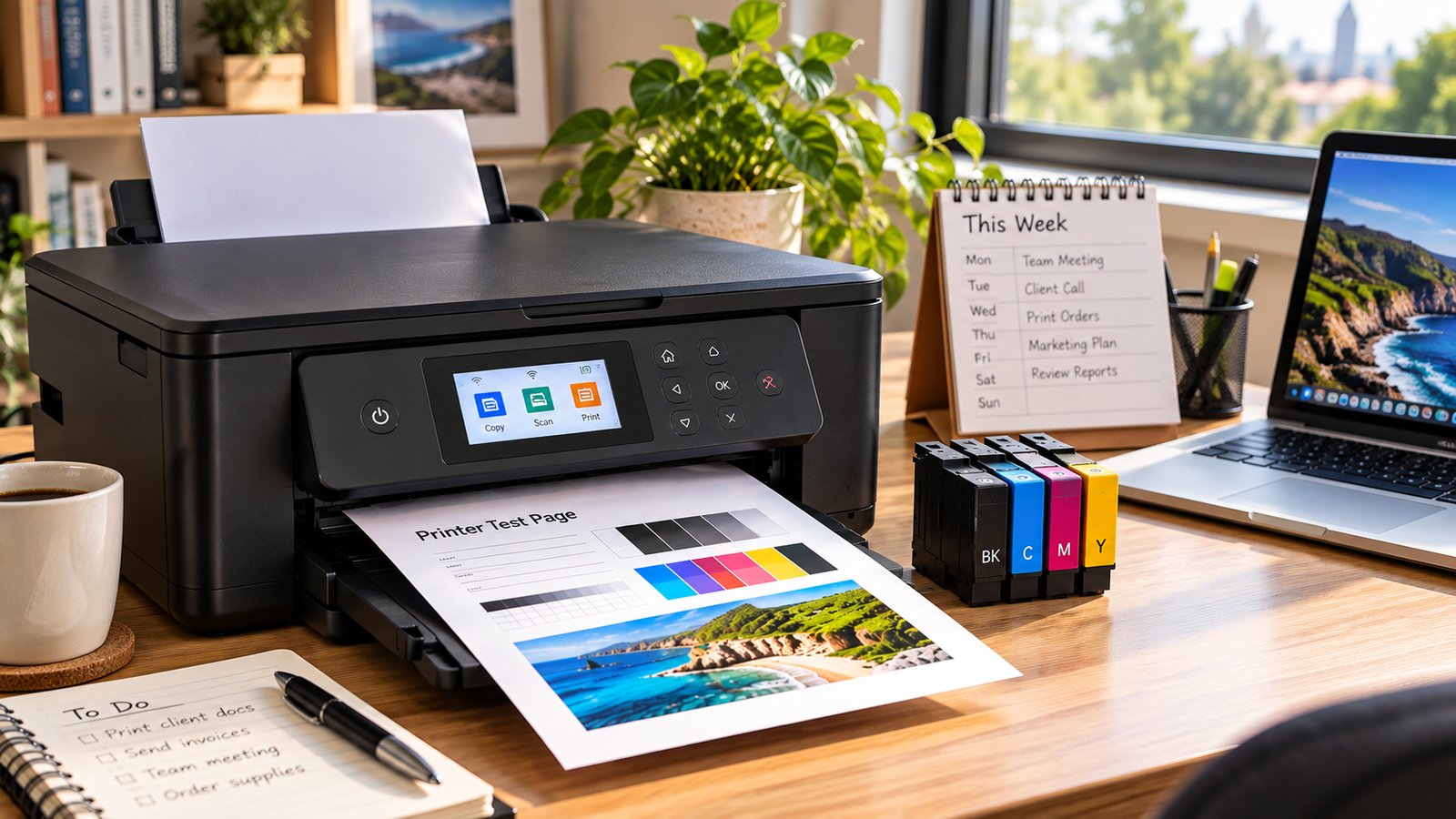
Sep 29, 2026